Is it worth installing Chrome OS Flex on your old Mac?
Chrome OS is a lighter, more modern, more secure and updatable operating system, yes. But is it good enough to replace the older versions of macOS?
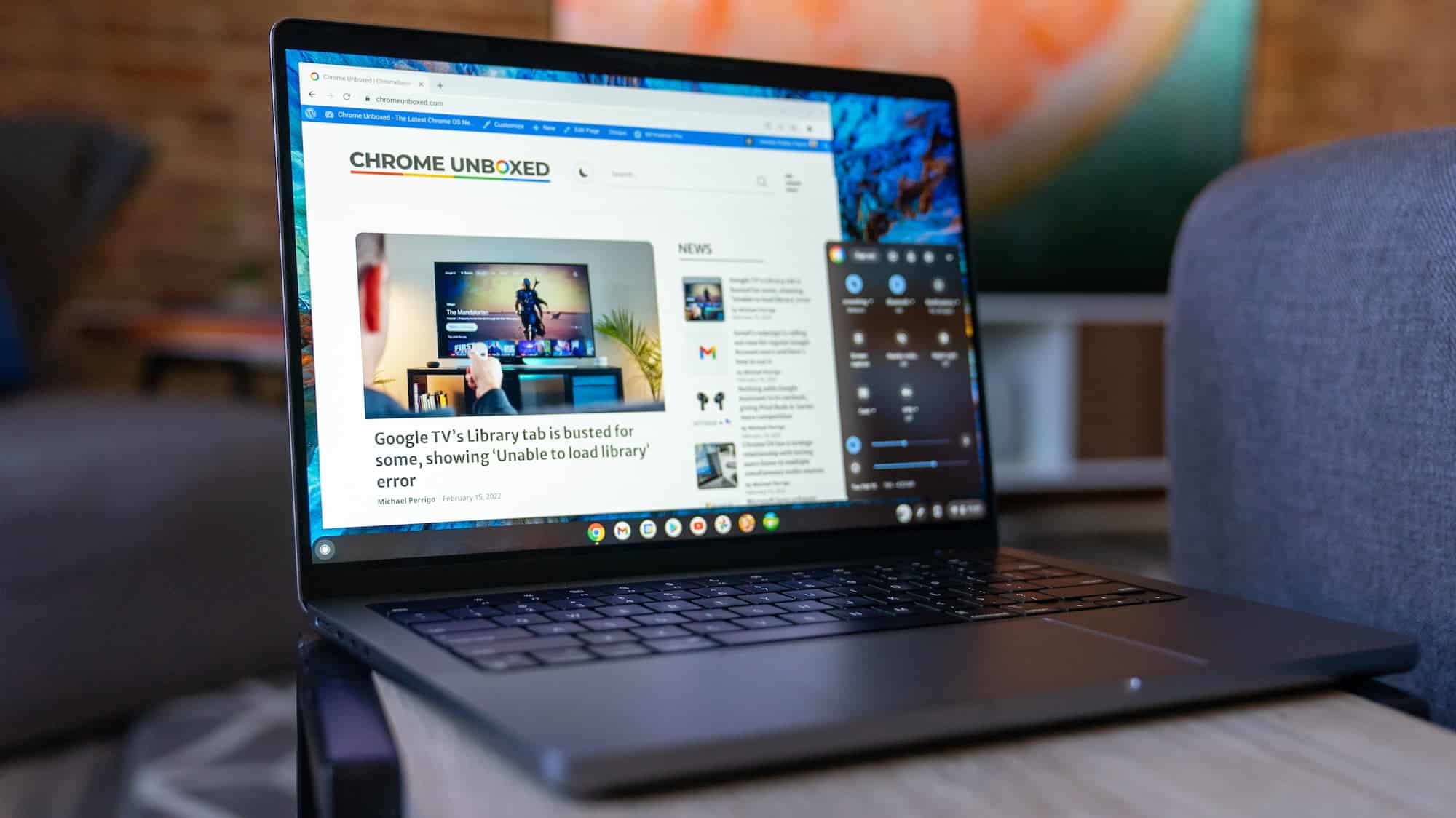

Earlier this year, we told you it was possible to install the Chrome OS operating system on an outdated Mac and turn it into a Chromebook in every sense. A more modern, updatable system to give it a second life, if we thought that, as it was, it could no longer do much more, but selling it wasn’t worth it.
Now, Google has made the switching process even simpler, so much so that we can try it before daring to take the plunge, running it directly from a USB drive. Without the burden of having to erase macOS and with nothing being irreversible, we decided to try it out to see whether or not it’s worth it.
I suppose most of you reading this article already have a clear answer to whether or not it’s worth taking that step, and I’m sure we’ll agree in the end, but we’re going to discuss it anyway, because if the option exists, it must be for a reason. The good thing about Chrome OS is that it’s a really lightweight operating system with minimal system requirements, so if our old computer was struggling in that respect, one might initially think that installing it would breathe new life into the models supported by the update, such as the mid-2010 MacBook, the mid-2012 MacBook Air and MacBook Pro, the mid-2010 iMac, or the late-2014 Mac mini.
And yes, the process is quick and simple, and it provides the latest security measures that our current system no longer receives. Furthermore, with everything running in the Cloud, Google takes care of keeping all our files safe, stored on its servers and protected against loss from any cause. But the rest of the options aren’t worth it.

That same advantage of relying on the Cloud works against it by depending entirely on it and on the Google ecosystem which, let’s be honest, will disappoint us if we’re used to macOS. Its appearance alone is disappointing, since Chrome OS is designed to run on a Chromebook, and that’s what we’ll have: a Chromebook, not a Mac.
Moreover, despite the improvements since that February version, Chrome OS Flex remains a very limited system. Everything works through apps that seem to be running in a web page (well, seem to, not really…), and the user experience, beyond browsing or using Office documents and the like, as we mentioned before, falls short. It’s true that this is the point and why it runs on old hardware, but we won’t even be able to use all the Chrome apps.
My personal opinion after testing is that it’s not worth installing Chrome OS Flex on our Mac, however outdated it may have become. I’ve already returned to macOS on my still quite capable MacBook Pro from over a decade ago, which may no longer be the latest, but still works just as well as on the first day for everything I need it to do. And that’s no small thing.