iMac M4 vs Mac mini M4 + Studio Display: which one is worth it for a desktop setup in 2026
We take an in-depth look at the 24-inch iMac M4 versus the Mac mini M4 paired with the Studio Display, using real prices from the Apple Store Spain and specific use cases to help you decide which desktop Mac to buy in 2026.
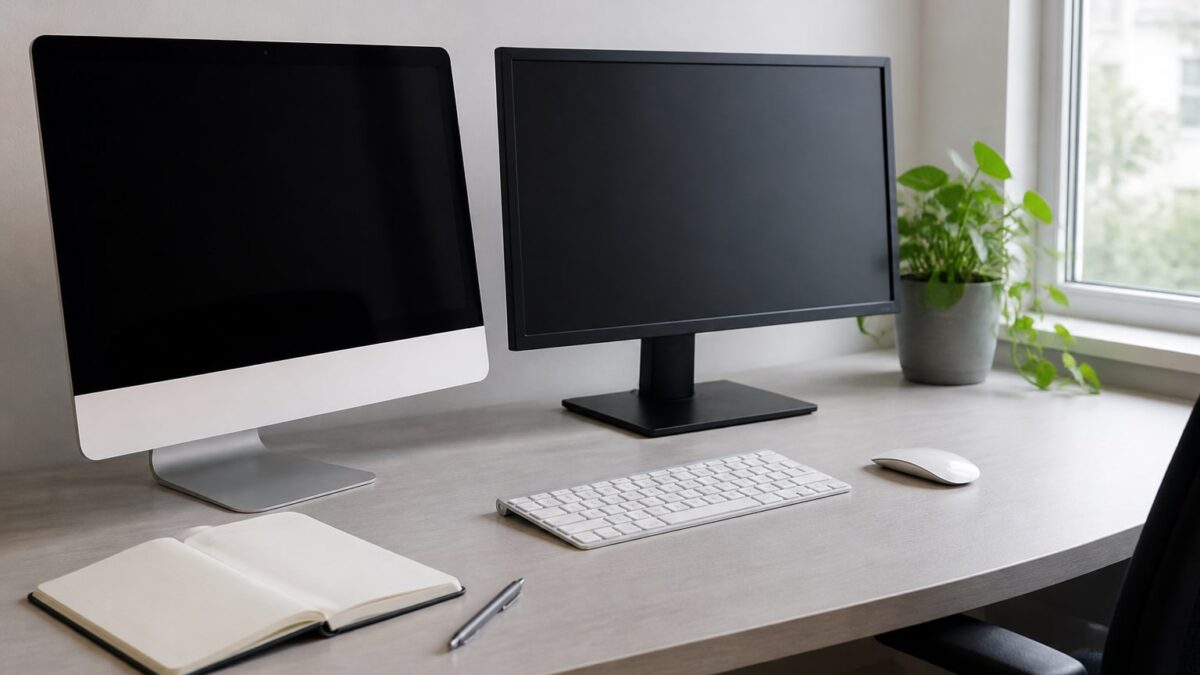
The question comes up every time someone sets up a Mac workstation: iMac M4, all-in-one, or Mac mini M4 plus a separate monitor? In 2026 the dilemma has become more interesting because the Studio Display has gone several years without a refresh, and the Mac mini M4 has proven to be a performance beast for very little money. It is not a question with a single answer. It depends on how much you plan to spend, whether you already have a decent monitor, and whether you intend to tinker with the internal configuration at some point.
We are going to compare real prices, performance, display and what almost nobody mentions: what is not included in the box.
Quick comparison table
| iMac M4 24" | Mac mini M4 + Studio Display | |
|---|---|---|
| Chip | M4 (8-core CPU, 8 or 10-core GPU) | M4 (10-core CPU/GPU) or M4 Pro |
| Display | 24" 4.5K Retina, 500 nits | 27" 5K Retina, 600 nits |
| RAM | 16-32 GB | 16-64 GB (depending on M4 or M4 Pro) |
| Entry price | 1,499€ | 2,448€ (base mini + base Studio Display) |
| Includes keyboard/mouse | Yes | No |
| Expandable | No | External storage only via Thunderbolt |
| Ports | 2 or 4 Thunderbolt/USB4 | Up to 3 Thunderbolt 4/5 + HDMI + Ethernet |
Price: how much each combination really costs
Here is the first fact that changes the conversation. The iMac M4 24" (2024) starts at 1,499€ in its two-port version with 16GB of RAM and 256GB of storage. The four-port version, with Gigabit Ethernet and a 10-core GPU, rises to 1,719€. Upgrading to 512GB brings it to 1,929€. Prices checked at the Apple Store Spain in November 2026.
The entry-level Mac mini M4 costs 699€ (16GB/256GB). The 16GB/512GB version rises to 899€. If you need the jump to Mac mini M4 Pro, the price starts at 1,699€ with 24GB of RAM and 512GB.
The Studio Display is not cheap: the version with standard glass and a tilt stand costs 1,749€. If you also want height adjustment, it is 2,209€. Nano-texture glass adds roughly another 300€ to either one.
Do the math: a base Mac mini M4 plus an entry-level Studio Display comes to 2,448€. That already exceeds the top-spec 512GB iMac M4. If you add the M4 Pro to the equation, we are talking about 3,448€, a price jump that only makes sense if you genuinely need that extra power.
Performance: the M4 is the same chip, but it does not run the same
Here is a nuance that is often overlooked. The M4 in the iMac and the M4 in the Mac mini are not exactly the same part in every configuration. The top-spec iMac M4 offers a 10-core GPU, the same as the standard Mac mini M4. But the Mac mini has better thermal dissipation thanks to its metal chassis and dedicated fan, which translates into less throttling under sustained loads: long exports in Final Cut Pro, Xcode builds, Blender renders.
For everyday tasks —Safari with 40 tabs, Pages, Keynote, Lightroom with RAW files from a Sony A7IV— the difference is non-existent. Where you do notice the Mac mini is in intensive, continuous work sessions longer than 20-30 minutes, which is common if you use Docker Desktop on Apple Silicon or compile large projects daily.
If your work involves Windows virtual machines, the Mac mini M4 Pro with more unified memory performs better with Parallels Desktop than any iMac configuration, which tops out at 32GB.
Display: the 24" iMac panel vs the 27" Studio Display
The iMac M4 has a 24-inch 4.5K Retina panel, 4,480 x 2,520 pixels, 218 ppi and 500 nits of maximum brightness. It is a good panel, with factory-calibrated colours and True Tone support.
The Studio Display goes up to 27 inches, 5K resolution (5,120 x 2,880), the same 218 ppi density but with 600 nits of brightness and a noticeably larger diagonal. If you edit photos or video at a semi-professional level, those extra 3 inches and the additional brightness are noticeable during long sessions.
The camera also differs: the iMac has a 12MP Center Stage camera built into the bezel, while the Studio Display features a 12MP Ultra Wide camera with the same Center Stage function but better audio quality thanks to its three-microphone array and six-speaker sound system. For daily video calls, the Studio Display clearly wins.
Design and desk space
The iMac M4 weighs 4.48 kg and is only 11.5 mm thick at the edge. Everything is in one piece, with no loose cables except the power cord. For a small desk or an environment where visual tidiness matters, it remains the cleanest option in Apple’s lineup.
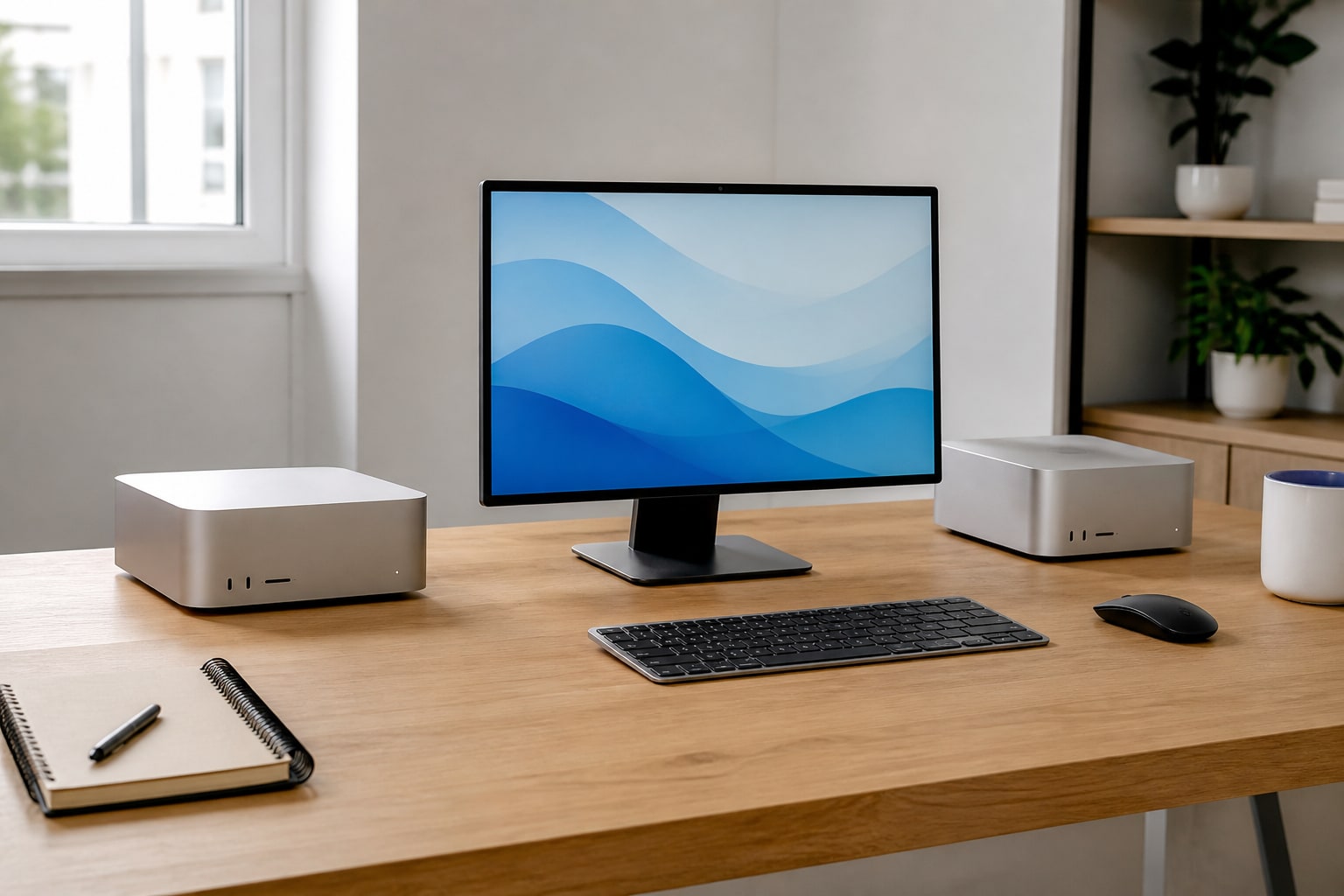
The Mac mini measures 12.7 x 12.7 cm and weighs 670 grams. It can be hidden behind the Studio Display or screwed under the desk with a VESA mount, but you need to manage monitor, keyboard and mouse cables separately. It is more versatile, less minimalist at first glance.
Ports and connectivity
The iMac M4 offers two or four Thunderbolt/USB4 ports depending on configuration, plus a headphone jack. It is limited if you work with several peripherals at once.
The Mac mini M4 wins here without debate: two front USB-C ports for easy access, up to three rear Thunderbolt 4 or 5 ports (depending on whether it is an M4 or M4 Pro), HDMI and Gigabit Ethernet as standard, with a 10Gb option. If you connect a home NAS, an external drive hub or an audio interface, the Mac mini handles that scenario better, which matters if you also manage backups with a NAS such as those from the Synology or QNAP range.
What is not in the box: keyboard, mouse and accessories
This is always forgotten in comparisons. The iMac M4 includes a Magic Keyboard and Magic Mouse (or Magic Trackpad at an additional cost). The Mac mini includes absolutely nothing: no keyboard and no mouse.
If you do not already have these peripherals, add between 150€ and 300€ to the Mac mini’s price depending on whether you choose Apple or third-party accessories. It is worth looking at options like those we compare in our analysis of productivity mice or mechanical keyboards compatible with Mac, since you are not obliged to use Apple’s.
Expandability and long-term lifespan
Neither of them is expandable in RAM or internal storage: both use soldered unified memory. The real difference is that if the Mac mini falls short, you can keep the Studio Display and replace only the tower. With the iMac, when it becomes obsolete, you throw away the screen and the computer at the same time.
For those who renew their equipment every 4-5 years, this matters. The Mac mini extends the useful life of your display investment.
Who the iMac M4 is worth it for
For those who want to switch on, work and not think about cables. Office profiles, document management, light graphic design, shared household use. If you are not going to touch the configuration for years and value the visual tidiness of the desk, the iMac M4 remains the most sensible option and, in its entry configuration, the cheapest of the two.
Who the Mac mini M4 + Studio Display is worth it for
For those who already have a decent monitor and only need to renew the tower: there the Mac mini wins hands down, since the outlay drops to 699-899€. Also for those who need more ports, better thermal management under long loads, or plan to use Parallels Desktop or Docker intensively. If you are starting from scratch and need to buy the display as well, the calculation changes: it only pays off if you value the 5K of the Studio Display above its price.
Verdict: the recommendation by budget and use
If your budget is around 1,500-1,900€ and you want a closed system without complications, the iMac M4 wins. If you already have a display, or need more sustained power and port flexibility, the Mac mini M4 with your own monitor —not necessarily the Studio Display— is the most reasonable choice. We only recommend the complete Mac mini + Studio Display combination if the budget comfortably exceeds 2,500€ and the 5K screen is a real requirement for your work, not a whim.
FAQ
Can I use a monitor other than the Studio Display with the Mac mini M4? Yes, any monitor with HDMI or USB-C/DisplayPort input works. You lose the Studio Display’s Center Stage camera and built-in speakers, but you save up to 1,700€.
Does the iMac M4 allow connecting an additional external monitor? Yes. The configuration with a 10-core GPU supports one external monitor up to 5K or two at 4K. The 8-core version is limited to one at 5K.
Is the Mac mini M4 Pro worth it over the standard M4 for this combination? Only if you edit 4K/8K video daily, compile large projects in Xcode or run heavy virtual machines. For office work and browsing, the standard M4 is more than enough.
Is a new Studio Display coming out soon? It is a rumour, not a fact. Mark Gurman, in his Power On newsletter for Bloomberg, has suggested that Apple is preparing a revision with a mini-LED or OLED panel, but with no confirmed date. If you plan to buy now, do not wait based on this alone.
What operating system do they come with from the factory in 2026? Both ship with macOS Tahoe 26, the current version of the system. The M4’s behaviour is identical in both machines because it is the same System on Chip, regardless of whether it sits inside a screen or a 12.7 cm box.
As an Amazon Associate, I earn from qualifying purchases.