Which antivirus to choose for Windows 11 and why
A practical guide to choosing the best antivirus for Windows 11 in 2026, with an honest comparison of Microsoft Defender, Bitdefender, Kaspersky, Norton, ESET and Avast based on your usage profile.
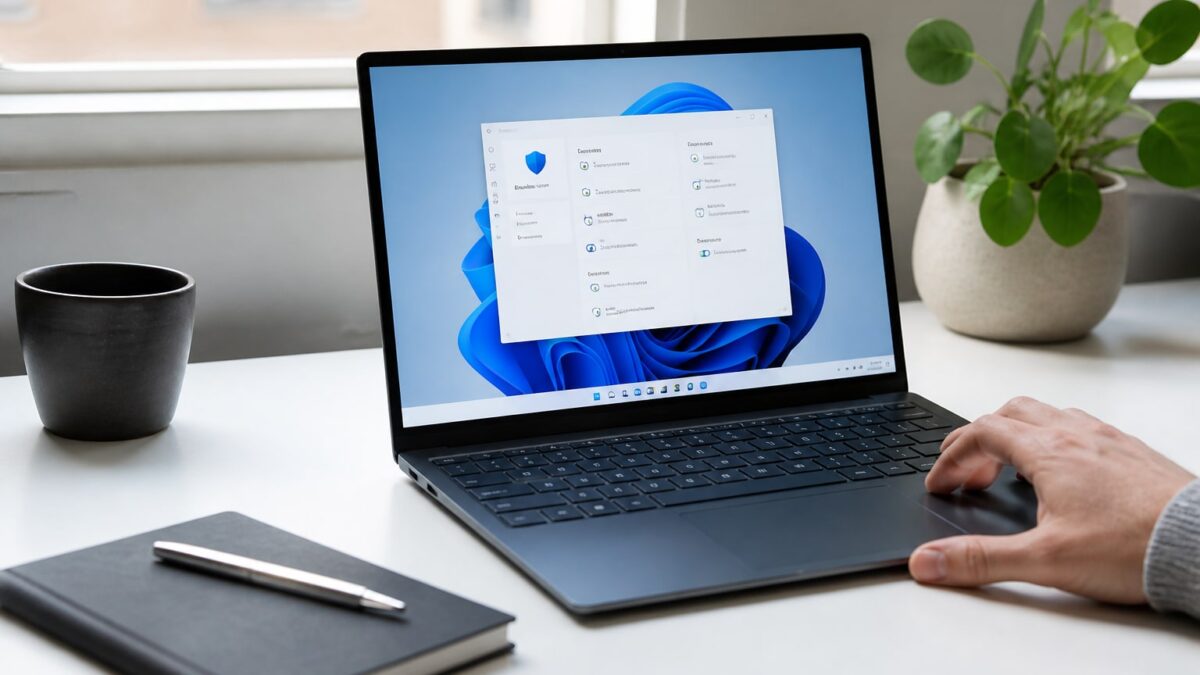
If you’re coming from the Mac world and have just set up a laptop or desktop with Windows 11 24H2 (or the upcoming 25H2), the question comes up on its own: do you need antivirus? And if so, which one? The short answer is that Windows 11 already comes with decent protection out of the box, but the long answer depends on what you do with the PC.
Here I explain what options you have, what independent labs say, and which one makes sense depending on how you use the machine. No hype.
Quick summary: which antivirus to choose based on your profile
| User profile | Recommendation | Approximate price (1 year / 1 PC) |
|---|---|---|
| Basic, careful user | Microsoft Defender (free) | €0 |
| Family with children | Bitdefender Total Security or Norton 360 Deluxe | €35-45 first year |
| Gamer / powerful PC | ESET HOME Security Essential | €30-40 |
| Professional with sensitive data | Bitdefender Total Security or Kaspersky Standard | €35-50 |
| Minimal budget but something more than Defender | Avast Free or Bitdefender Free | €0 |
Prices checked on November 28, 2026 on each manufacturer’s official websites. They tend to drop during Black Friday and January sales.
Do you need an antivirus on Windows 11?
Yes, but not necessarily a paid one. Windows 11 includes Microsoft Defender Antivirus built into Windows Security, and it has been improving for years. In AV-TEST’s 2025 and 2026 tests it achieves maximum or near-maximum scores for protection against known malware and zero-day threats.
The nuance: Defender is good against malware, but weaker on advanced phishing protection, targeted ransomware and social engineering attacks. If you only browse, use Office and download things from well-known sites, it’s enough. If you manage invoices, cryptocurrencies, or have teenagers downloading everything, something more is advisable.
What independent labs look at
The two references that matter are AV-TEST (German) and AV-Comparatives (Austrian). They evaluate three things:
- Protection: does it detect and block real malware?
- Performance: does it slow the PC down when copying files, opening websites or installing apps?
- Usability: does it produce false positives that block legitimate software?
In the 2025-2026 reports, the ones that keep reappearing on the podium are Bitdefender, Kaspersky, Norton, ESET and Microsoft’s own Microsoft Defender. Avast and AVG (same engine since the merger) sit one step lower but are respectable in their free versions.
Microsoft Defender: what you already have installed
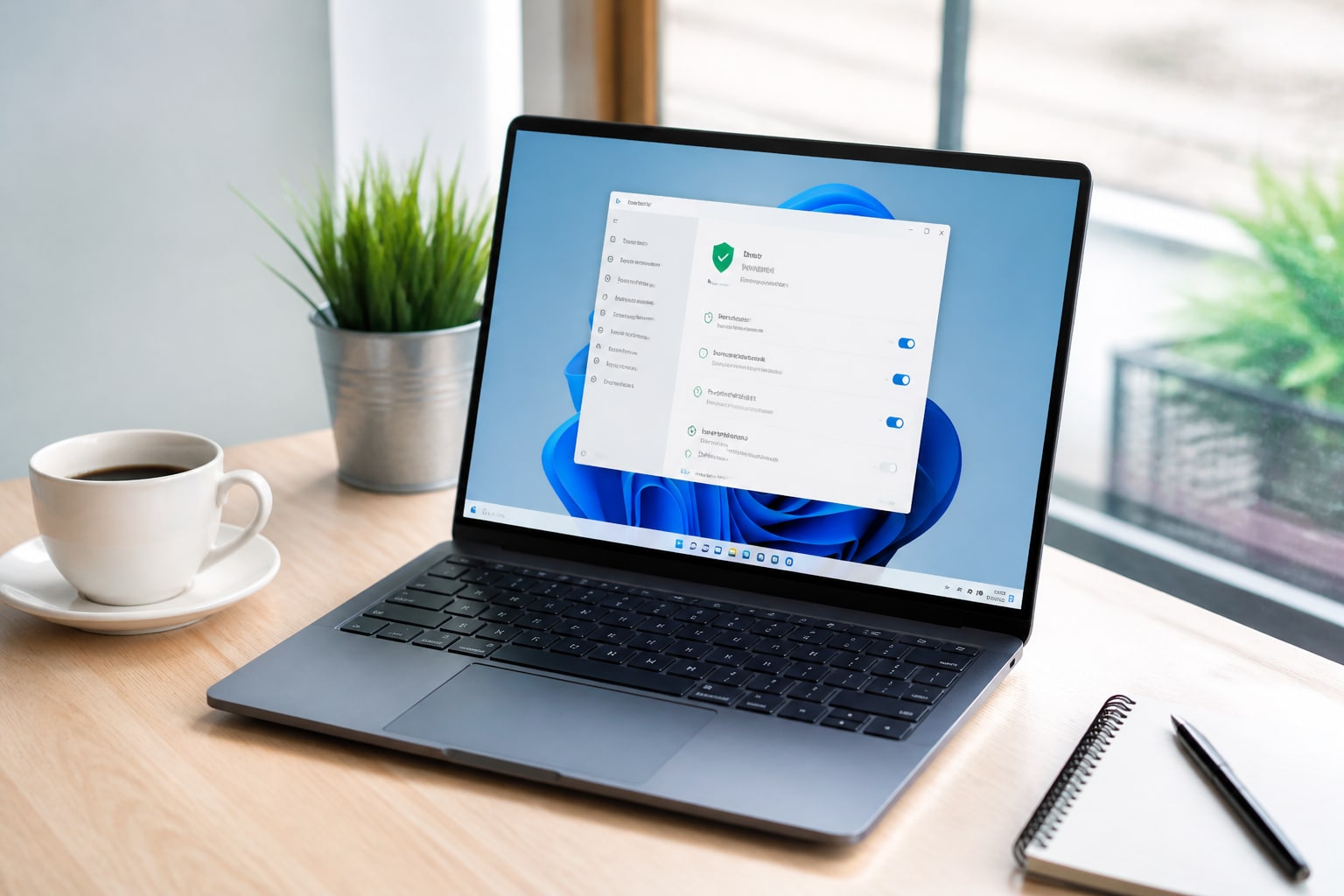
It is active by default on Windows 11 and is updated via Windows Update. You’ll find it under Settings → Privacy & security → Windows Security.
Pros: it’s free, unobtrusive, doesn’t push subscriptions every few minutes and performs well in benchmarks. It integrates SmartScreen (anti-phishing filter in Edge), application control and controlled folder access against ransomware.
Cons: anti-phishing protection in browsers other than Edge is limited, it doesn’t include a VPN or a serious password manager, and the control panel is spread across several menus. For an average user who uses Chrome or Firefox, coverage drops.
Bitdefender: the balance
Bitdefender Total Security is probably the most recommendable if you’re going to pay. Top scores in AV-TEST three years running, low performance impact and a clean interface.
It includes multi-layer ransomware protection, an “autopilot” mode that doesn’t interrupt you, and specific protection for online banking (it opens banking websites in an isolated browser). The standard license covers 5 devices (Windows, macOS, Android, iOS) for about €40-45 the first year on its website, rising to €70-80 on renewal. There is a Bitdefender Antivirus Free version that only protects against basic malware, with no extras.
Kaspersky: controversial but technically solid
Technically Kaspersky Standard and Plus remain among the best at detecting threats. The problem is geopolitical: its use has been banned in the United States since 2024 and several European agencies advise against installing it in sensitive environments. In Spain it is legal for personal use, but if you work for the public administration or critical infrastructure, it’s better to avoid it.
For a home user who just wants the best detection engine, it remains a valid option at €30-40 per year.
Norton 360: the “all-in-one” for families
Norton 360 Deluxe bundles antivirus, unlimited-data VPN, password manager, 50 GB of cloud backup and decent parental controls in one package. If you have children and want to filter content without fighting with your router or DNS, it’s worth it. Price: about €35 the first year, €90-100 on renewal. Watch out for the jump.
ESET: the favorite of gamers and modest PCs
ESET HOME Security Essential (formerly NOD32) has a well-earned reputation for being light. If you game, edit video or have a laptop with 8 GB of RAM, you notice it. In AV-Comparatives performance tests it usually ranks among those that weigh least on the system. Very good detection, although the interface is less friendly than Bitdefender’s or Norton’s. About €30-40 per year for 1 device.
Avast Free: the free option that isn’t Defender
Avast Free Antivirus remains the most popular free alternative outside Defender. Acceptable detection, but with two drawbacks: it keeps asking you to install its browser and VPN, and the brand’s privacy record (selling browsing data in 2020) is hard to forget. If you use it, review the telemetry settings carefully during initial setup.
Frequently asked questions
Is Microsoft Defender enough on Windows 11 24H2? For careful use, yes. If you use Edge, keep the system updated and don’t install dubious software, it covers 95% of cases. Combine it with common sense and a separate password manager (Bitwarden, 1Password).
Is it worth paying for an antivirus? If you value having a VPN, password manager and parental controls in a single package, yes. If you only want anti-malware protection, Defender is enough and your money is better spent on a decent backup. Here is a comparison of cloud storage services for your backups.
Can I run two antivirus programs at once? No. They fight with each other and cause false positives, crashes and performance drops. When you install a paid one, Defender switches itself to passive mode.
Is the VPN included with antivirus products any good? For basic browsing and public WiFi connections, it works. For geo-blocked streaming or serious privacy, a dedicated VPN is better. If you want something native, check out how to configure a VPN on macOS and iOS, which also applies the same principle to Windows.
What about gaming performance? ESET and Bitdefender have a game mode that suspends notifications and scans. Norton does too. Defender doesn’t interrupt but can cause CPU spikes when scanning in the background; this can be adjusted under Windows Security → Virus & threat protection → Manage settings.
As an Amazon Associate, I earn from qualifying purchases.