5K Monitors for Mac: Studio Display vs Dell U3224KB vs Samsung ViewFinity S9
Technical comparison of the Apple Studio Display, Dell U3224KB and Samsung ViewFinity S9 for Mac users in 2026. Specifications, real prices and recommendations by professional profile.
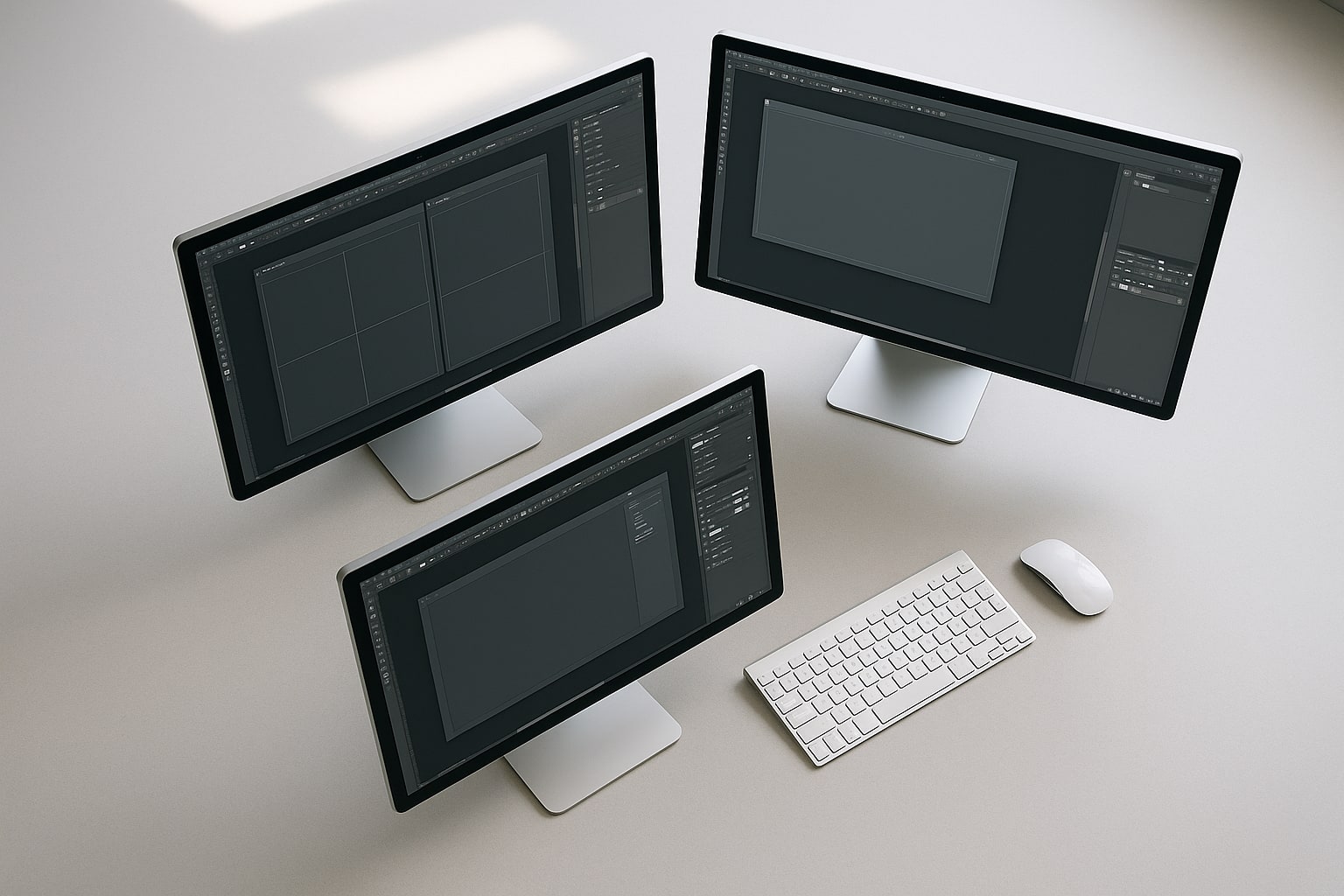
If you work with a Mac and want an external display that respects macOS native scaling, your options really come down to three serious candidates: the Apple Studio Display, the Dell U3224KB (which is 6K, not 5K, but makes the comparison for obvious reasons) and the Samsung ViewFinity S9. Everything else is 4K panels that macOS renders with a scaling that, depending on who you ask, is acceptable or downright uncomfortable if you’re coming from a Retina display.
This comparison assumes you’ve already decided you want a Retina-density monitor (~218 ppi) to pair with a MacBook Pro M4 or a Mac Studio M4 Max. Prices checked at Apple Store Spain and official retailers as of August 1, 2026.
Why pixel density matters on macOS
macOS is designed for two densities: that of the internal Retina displays (220 ppi) and that of classic desktop monitors (110 ppi). In between, with a 27″ 4K, the system looks bad by default: soft text, interpolated scaling and extra GPU usage.
A 27″ 5K panel (5120×2880) or a 32″ 6K panel (6144×3456) delivers exactly the density Apple designed the interface for. This translates into sharp typography, with no need for sub-pixel antialiasing tricks in Terminal or third-party patches.
Summary table
| Studio Display | Dell U3224KB | Samsung ViewFinity S9 | |
|---|---|---|---|
| Size | 27″ | 31.5″ | 27″ |
| Resolution | 5120×2880 | 6144×3456 | 5120×2880 |
| Density | 218 ppi | 218 ppi | 218 ppi |
| Brightness | 600 nits | 450 nits | 600 nits |
| P3 coverage | 100% | 99% | 99% |
| Connectivity | 1× TB3 + 3× USB-C | 1× TB4 + KVM | 1× TB4 + USB-C + HDMI |
| Webcam | 12 MP Ultra Wide | 4K with IR | 4K SlimFit |
| Speakers | 6 (Spatial Audio) | 2× 14 W | 2× 5 W |
| Height adjustment | Optional (+€460) | Yes, standard | Yes, standard |
| RRP Spain | €1,779 | ~€2,400 | €1,599 |
Apple Studio Display: the one that “simply works”
The Studio Display starts at €1,779 with standard glass and a fixed stand. If you want height adjustment, add €460. With nano-texture glass, another €300. Properly configured, it comes to €2,500 without breaking a sweat.
In return you get the obvious: an A13 chip inside, full integration with macOS (calibration, firmware updates, True Tone), 6 speakers with spatial audio that sound genuinely good for a monitor, and a 12 MP webcam that remains mediocre despite the firmware Apple once patched.
The good: you plug in a Thunderbolt 3 cable, charge your MacBook Pro at 96 W and that’s it. No drivers, no OSD menus, no surprises.
The bad: 60 Hz, no real HDR (the 600 nits are sustained SDR brightness), no KVM, and a stand that charges you for breathing.
Dell U3224KB: the 6K nobody expected from Dell
The Dell UltraSharp U3224KB is the direct answer to the Pro Display XDR at a third of the price. 6144×3456 on 31.5″, which in macOS gives you the same 2x scaling as a 27″ 5K but with more real workspace.
It sits around €2,400 at Dell Spain, though it often drops below €2,000 in quarterly promotions. It comes with Thunderbolt 4 offering 140 W charging (enough for a 16″ MacBook Pro M4 Max), built-in KVM, a serious USB hub and a stand with full adjustment as standard.
The IPS Black panel has a 2000:1 contrast ratio, well above the classic IPS of the Studio Display. It covers 99% DCI-P3 and comes factory calibrated with Delta E < 2. The 4K webcam with Windows Hello is a plus if you switch to a PC, although on a Mac it behaves like a standard USB webcam.
Weak points: 450 nits (less than the Apple), forgettable speakers and the classic Dell OSD, which is still clunky. And no, macOS doesn’t give it True Tone.
Samsung ViewFinity S9: the clone with more ambition than execution
Samsung launched the ViewFinity S9 clearly aiming at the Studio Display. RRP of €1,599, but it’s easy to find for €1,200-1,300 at El Corte Inglés or Amazon Spain. That’s where it gets interesting.
On paper, the specifications nearly mirror the Apple: 5K at 27″, 600 nits, 99% DCI-P3, Thunderbolt 4 with 90 W charging, standard height adjustment, detachable magnetic 4K webcam and a Smart TV mode with Tizen (your call whether you use it or not).
In hand, the panel is good but not as uniform as the Studio Display’s. The factory calibration is correct but not exquisite. And Samsung’s firmware has had occasional issues with Thunderbolt recognition on macOS Sequoia 15.1, resolved in later updates, but worth keeping in mind.
Thunderbolt connectivity and MacBook charging
All three charge your Mac through a single cable, but with nuances:
- Studio Display: 96 W. Just enough for a 14″ MacBook Pro M4. For the 16″ it falls short under heavy loads.
- Dell U3224KB: 140 W. The only one that fully powers a 16″ MacBook Pro M4 Max.
- Samsung S9: 90 W. Same as the Apple, same limitation with the 16″.
If you use your laptop as a desktop 90% of the time with a 16″ model, the Dell is the only one that spares you from connecting the MagSafe charger separately.
Real-world use cases
Photographer or retoucher: the Studio Display remains the benchmark for uniformity and for the nano-texture if you work in tricky ambient light. The integration with macOS ColorSync is seamless.
Video editor with a Mac Studio: here the Dell U3224KB wins on workspace. With Final Cut or DaVinci Resolve on a MacBook Pro M3, the 6K gives you a huge timeline without scaling.
Developer or office work: the Samsung S9 is the most sensible choice. Price, standard height adjustment and correct density. You don’t need sustained 600 nits or Apple-level calibration.
Mixed Mac + PC use: Dell, no question. Real KVM is the difference.
And a 6K versus a 27″ 5K?
The fair question. The Dell’s 6K isn’t “more resolution for the same space”, it’s more space at the same density. On macOS, a 27″ 5K gives you the logical equivalent of 2560×1440 interface points. The 32″ 6K gives you 3072×1728 points. That’s 20% more usable area.
If you work with timelines, large spreadsheets or multiple windows in parallel, that difference is far more noticeable than the extra 150 nits of the Apple.
Verdict by budget
- Under €1,500: Samsung ViewFinity S9 on sale. It’s the only way to get external Retina density for that money.
- €1,500-2,000: Studio Display with the fixed stand if you value full integration and decent sound. The Samsung S9 at RRP doesn’t compete with the Apple.
- Over €2,000: Dell U3224KB. More space, more charging, KVM and a good stand. You lose True Tone and the speakers.
None of them is a dumb purchase. All three respect what Apple asks of an external monitor: correct density, a single cable and no scaling mess. The real decision is how much macOS integration you want to pay for and whether you need workspace or not.