Steam Deck OLED vs ASUS ROG Ally X vs Lenovo Legion Go: Gaming Portable PC in 2026
We compare the three most relevant PC handheld consoles on the market with real specs, up-to-date prices and recommendations by profile. What's worth it in 2026 and what isn't.
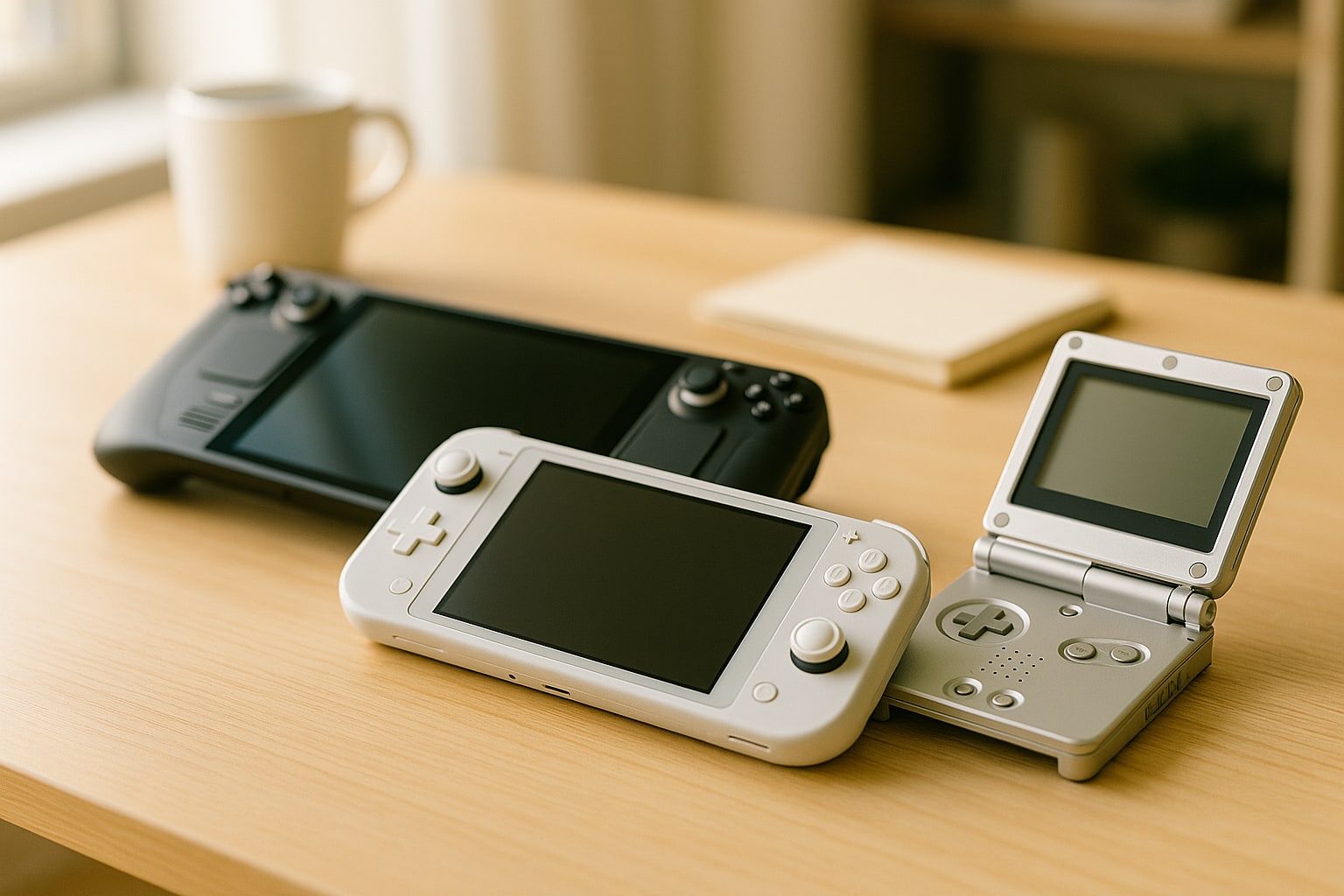
If you’re coming from the Mac world and looking at a portable for playing what macOS won’t let you play (which is still quite a lot), the 2026 landscape has settled on three serious contenders: Steam Deck OLED, ASUS ROG Ally X and Lenovo Legion Go. All three are x86 PCs packed into a controller chassis, but they make very different decisions in screen, chip, battery and operating system.
This comparison is not a rehash of spec sheets. I started from the official data from Valve, ASUS and Lenovo (checked in October 2026) and cross-referenced it with the real-world use that anyone wanting to play on the couch, on the train or in bed without turning on the TV would make of them.
Summary table: specs and price at a glance
| Model | APU | RAM | Display | Battery | OS | Weight | RRP Spain |
|---|---|---|---|---|---|---|---|
| Steam Deck OLED 1 TB | AMD Zen 2 / RDNA 2 (custom) | 16 GB LPDDR5-6400 | 7.4" OLED HDR 1280×800 90 Hz | 50 Wh | SteamOS 3 | 640 g | 679 € |
| ASUS ROG Ally X | AMD Ryzen Z1 Extreme | 24 GB LPDDR5X-7500 | 7" IPS 1920×1080 120 Hz VRR | 80 Wh | Windows 11 | 678 g | 899 € |
| Lenovo Legion Go | AMD Ryzen Z1 Extreme | 16 GB LPDDR5X-7500 | 8.8" IPS 2560×1600 144 Hz | 49.2 Wh | Windows 11 | 854 g | 799 € |
Reference prices at Steam, ASUS.com/es and Lenovo.com/es as of October 2026. At El Corte Inglés and PcComponentes the ROG Ally X and Legion Go often drop 50-100 € during one-off campaigns.
The context: why these three and not others
There are more handhelds (MSI Claw 8 AI+, GPD Win 4, AYANEO Kun), but they are niche: uneven distribution in Spain, more limited support or disproportionate pricing. You buy all three in this comparison from official stores, with European warranty, and they have large communities solving problems on Reddit and forums.
Chip and real-world performance
The Steam Deck OLED still uses the same AMD Zen 2 APU with RDNA 2 GPU as the original LCD model. On paper it is the slowest. In practice, SteamOS is so finely tuned for that hardware that the difference with the Windows machines is smaller than synthetic benchmarks suggest.
The ROG Ally X and the Legion Go share the Ryzen Z1 Extreme (Zen 4 + RDNA 3). They run between 30% and 60% faster than the Deck in demanding titles at equal TDP. We’re talking about going from 30 fps to 45-50 fps in Cyberpunk 2077 at 15 W, for example.
Between the Ally X and the Legion Go the chip is the same, but the ASUS wins on cooling: it sustains 25-30 W better without throttling. The Lenovo slows down sooner.
Display: where the Deck OLED pulls ahead
Here the Steam Deck OLED plays in another league, despite having the lowest resolution. True blacks, 1000 nits HDR peak, 90 Hz and brutal pixel response. For most indie games, roguelikes, JRPGs or emulation, 1280×800 is more than enough.
The Legion Go has the largest (8.8") and highest-resolution (QHD+) screen. It impresses the first time. The problem: pushing 2560×1600 with the Z1 Extreme forces you to scale to 1200p or use FSR for almost everything. And the screen is still IPS: greyish blacks.
The ROG Ally X sits in the middle: 1080p 120 Hz IPS with VRR. It’s the most sensible resolution for the chip it carries, and VRR makes a big difference when frame rates bounce between 40 and 60.
Battery and battery life
The Deck OLED lasts 3-8 hours depending on the game: 7-8 h in Vampire Survivors or Stardew Valley, 2-3 h in Elden Ring.
The ROG Ally X doubled the original Ally’s battery to 80 Wh. It lasts the longest of the three in AAA games: between 2.5 and 4 hours at 15-17 W.
The Legion Go falls short with its 49.2 Wh while driving that giant screen. In AAA it rarely exceeds 1.5-2 hours. In indies it rises to 4-5 h if you lower brightness and refresh rate.
SteamOS vs Windows 11: the difference that changes everything
If you’re coming from macOS, this section is especially relevant to you. SteamOS 3 is Linux (Arch) with a Valve layer on top. You turn it on, you’re in Steam, you play. You suspend it like a Switch and resume where you left off. It works.
Windows 11 on a handheld is still a workaround. ASUS adds Armoury Crate SE and Lenovo its Legion Space to make it bearable, but you keep touching the touchscreen to close a system dialog every couple of minutes. Suspend fails. Updates interrupt you.
What’s good about Windows: you run Game Pass natively, any launcher (Epic, GOG, Battle.net, Riot) without tricks, and emulators like yuzu or Ryujinx forks without configuring Proton. If you mainly play Game Pass, Windows wins.
If your library is Steam and little else, SteamOS will give you fewer headaches. For those who live in macOS and hate the friction of Windows, the Deck is the obvious choice.
Ergonomics and controls
The Steam Deck OLED is the most comfortable for large hands. Rear trackpads (unique in this comparison), which are gold for strategy games or shooters without a mouse.
The ROG Ally X is the lightest for what it offers. Xbox-style controls, comfortable, no surprises.
The Legion Go copies the Switch: detachable controllers. The right one has an FPS mouse mode with a scroll wheel. Original idea, regular execution: it weighs a full 854 g, and your wrists go numb in long sessions.
Storage and expansion
All three use M.2 2242 SSDs (small format). They can be swapped, but it’s not as trivial as opening a normal laptop. There are iFixit guides for all three.
All accept UHS-I microSD. If you’re going to rely on SD, invest in a good one: a fast card like the ones we recommend for serious external storage makes a difference in load times.
Price and what you get for your money
- 679 € the 1 TB Deck OLED is the best absolute value. The 512 GB model stays at 569 €.
- 899 € the ROG Ally X is expensive, but it’s the most complete in pure hardware.
- 799 € the Legion Go sits in no-man’s land: neither the cheapest nor the best at anything specific except the screen.
Add a case (40-60 €), a 512 GB microSD (40-50 €) and, if you want to play on TV, a dock (30-80 €). Budget 100-150 € extra on top of the RRP.
Best for each profile
Best for most people: Steam Deck OLED. If your library is on Steam, you want to turn it on and play, and you value the OLED screen above raw fps, it’s the smart buy. It’s also the one that coexists best with a Mac ecosystem: fewer hours wrestling with Windows.
Best for power and Game Pass: ROG Ally X. If you play recent AAA games, use Game Pass, or want to run heavy emulation (PS3, Switch 2 once support arrives), the ASUS is the choice. Expect to deal with Windows.
Best for screen and multitasking: Lenovo Legion Go. If what attracts you is having almost a tablet with controllers, using it also to watch series in bed, and you don’t mind the weight or the shorter battery life, it makes sense. Otherwise, it’s hard to justify over the other two.
If you’re torn between the Deck OLED and the ROG Ally X and your use includes occasional development or productivity, remember that the Ally with Windows can also serve as a mini PC when you plug in a decent mechanical keyboard and a monitor. The Deck can too, but with more friction.
In 2026 there is no single outright winner. There are three correct answers depending on what you want to do, how much you want to spend, and how much tolerance you have for Windows on a seven-inch screen.