Evernote, your clipboard always with you
Since I started using this application it has become indispensable in my day-to-day life, which is why I wanted to talk about it; but not at the moment of its media peak, rather once I could have tested it thoroughly and with a critical eye.
 Evernote lets us save everything from notes written by ourselves to captures of web pages (whole or partial), images and documents in our little virtual mini hard drive. This way we can access and store in it all the information we come across while browsing, or simply those ideas we need to keep in order to mature them later on, all of it organized through tags and folders so that we can locate them quickly and efficiently.
Apart from tags, another feature I particularly liked is that it sorts notes chronologically, which makes it much easier to get a clear picture of our documents and thoughts. But its strong point is undoubtedly its search engine. I admit it reminds me greatly of Spotlight in terms of speed and simplicity. Beyond that, I was surprised by its search method: simply entering the desired word shows all documents containing that word, not only in the tags but within the documents themselves, including images and screenshots. This way, if we capture a web page in image format and search for a word contained within it, it will show us the screenshot of that web page. An absolute marvel.
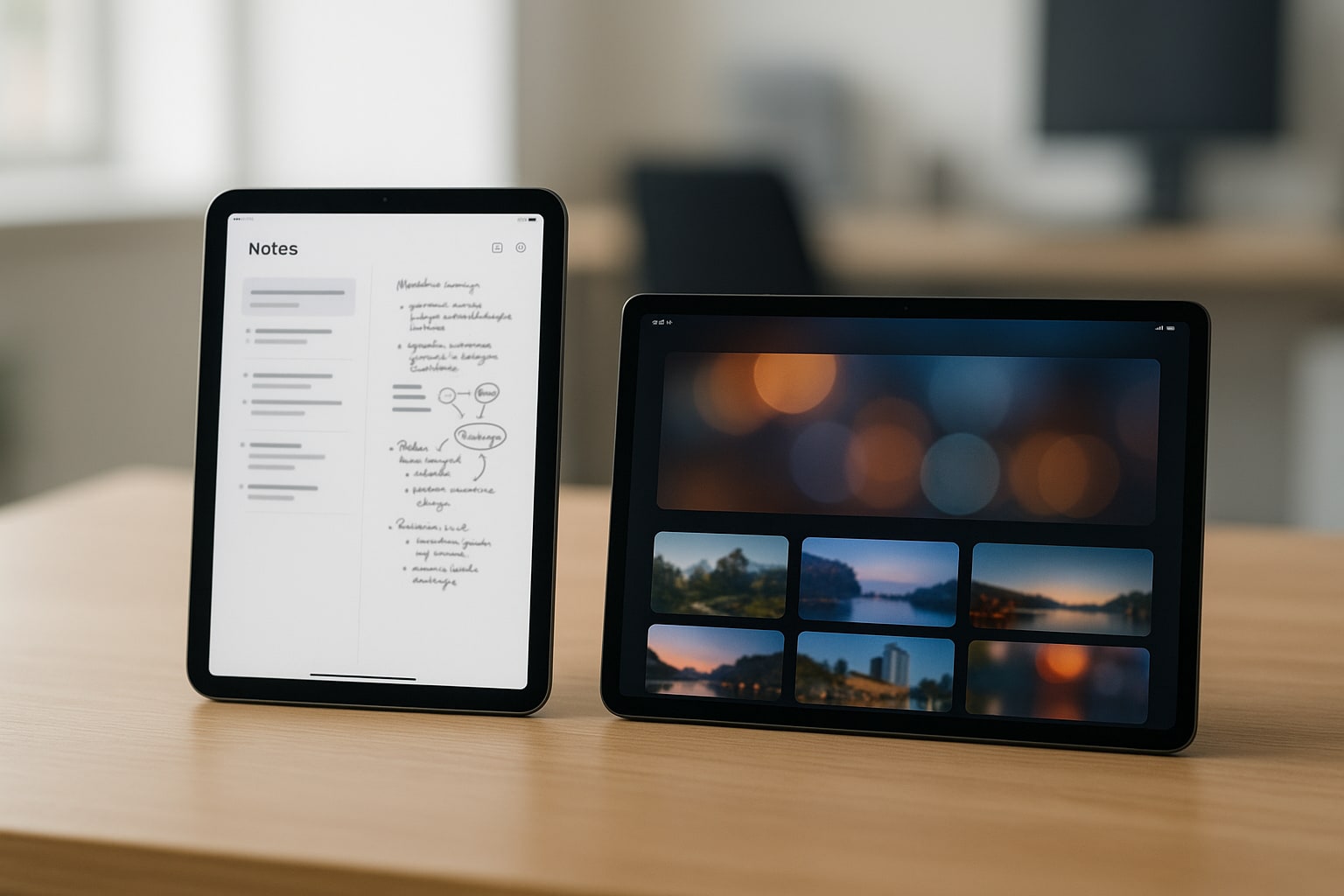
Finally, I should say it is ideal whether you are a Mac user, a PC user, an iPhone user or on any device with an internet connection, since besides having versions of its application for these three platforms, it offers web access that lets you use it wherever you are. And it’s free, although it also has a premium version with greater capacity.
Official Website | Evernote
19 comments · Comment
19 comments
Yo uso este programa y es fantástico. Lo único importante que le hecho en falta es que no puedo editar las notas en el iPhone. Puedo crear, pero no editar. O yo no sé hacerlo…