iPhone 15 Pro battery that won't last half a day: what to check before replacing it
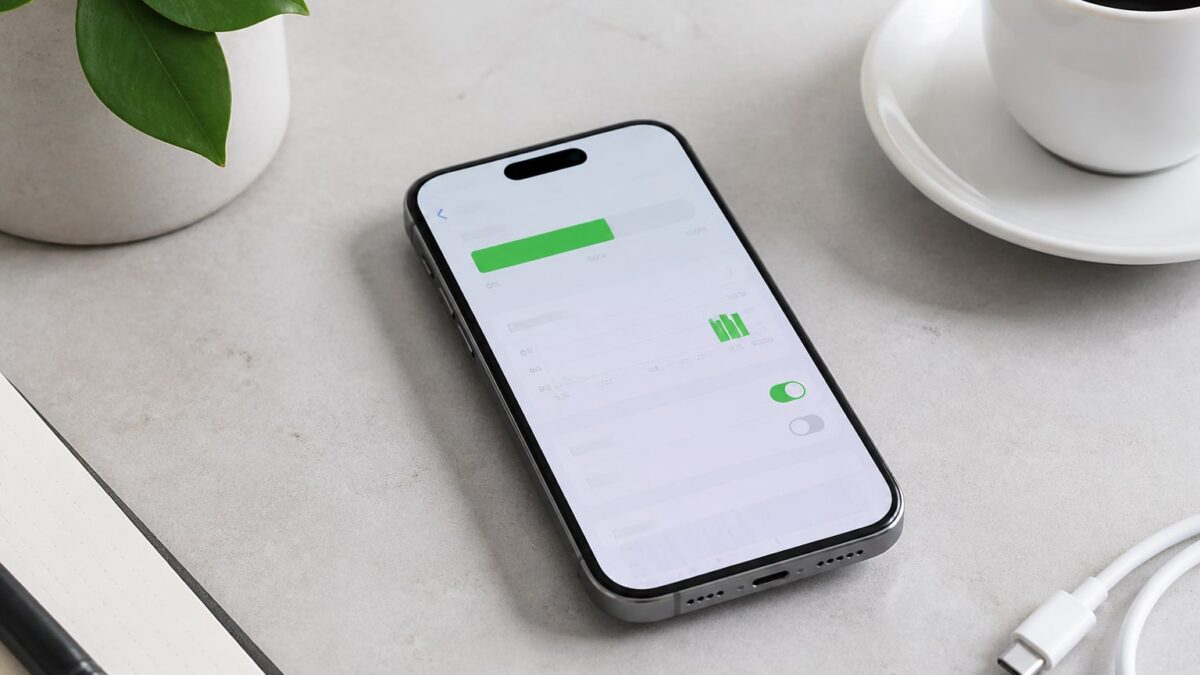
The iPhone 15 Pro that shuts down at six in the evening is not (only) a matter of age. It could be a degraded battery, an app eating up the background, or something as silly as a poorly digested iOS update. The good news: in ten minutes and without tools you can find out which is your case.
This article walks you through the real diagnosis step by step, using the figure Apple internally uses to decide whether a battery replacement is needed: 80% maximum capacity. No generalities, with exact menu paths for iOS 17.4 onwards.
First of all: what does “doesn’t last even half a day” mean?
An iPhone 15 Pro with a healthy battery should get through a day of mixed use (social networks, messaging, some camera use, screen with auto-brightness) without breaking a sweat. If you drop below 20% by mid-afternoon with normal use, there is an identifiable problem. If you also notice the phone shuts down suddenly even when it shows 15-20% remaining, that is a classic sign of a degraded battery, not of heavy use.
Prerequisites for the diagnosis
You need very little:
- iOS 17.4 or later installed (Settings → General → Software Update to check).
- Access to Settings → Battery.
- Ten unhurried minutes, because some data takes a few hours to recalculate if you have just updated the system.
On iPhone 15 models and later running iOS 17.4 or later, you can see the battery condition and its maximum capacity. This is key: the iPhone 15 Pro, unlike earlier models, also shows the accumulated charge cycles, not just the percentage.
Step by step: diagnose the battery of your iPhone 15 Pro
1. Check the maximum capacity
Go to Settings → Battery → Battery Health & Charging. Tap Maximum Capacity. There you will see a percentage: it is the current capacity relative to when the phone was new.
2. Interpret the number using Apple’s criteria, not your own
The batteries of iPhone 15 and later models are designed to retain 80% of their original capacity after 1000 full charge cycles under ideal conditions. This is relevant because the iPhone 15 Pro improves on the design target of earlier models: the batteries of iPhone 14 and earlier models are designed to retain 80% of their original capacity after 500 full charge cycles under ideal conditions. If your 15 Pro is below 80% with few cycles, something is not as it should be.
3. Review the accumulated charge cycles
On the same screen you will see the completed cycles. Apple explains in its document on iPhone battery and performance that the batteries of iPhone 15 models are designed to retain 80% of their capacity after 1,000 cycles under ideal conditions. If you have 300-400 cycles and are already below 80%, the degradation is faster than expected.
4. Rule out software consumption before blaming the hardware
Before assuming it is the physical battery, go to Settings → Battery (main screen, not the health one) and look at the per-app usage breakdown for the last 24 hours and the last 10 days. If a specific app spikes background consumption, the problem is not the lithium cell, it is that app. This is especially important if you have just updated iOS: if you want to dig deeper into that scenario, we have a specific guide on how to diagnose abnormal battery drain after updating to iOS 18.2.
5. Check the peak performance message
If iOS has detected serious degradation, a notice reading “Peak Performance Capability” or, in worse cases, “Maximum Capacity Reduced” appears on that same screen. If you see the second message, Apple is already limiting performance to prevent unexpected shutdowns.
What each result means
| Maximum capacity | What it indicates | Recommended action |
|---|---|---|
| 90-100% | Healthy battery | None, normal use |
| 80-89% | Normal wear, slightly shorter battery life | Keep an eye on it, replacement not urgent |
| Below 80% | Significant degradation | Apple recommends service |
| “Maximum Capacity Reduced” message | iOS actively limits performance | Replacement recommended in the short term |
Common problems that are not the battery
Not everything that looks like a battery problem is one. Before booking an appointment, rule out these four classics:
- Auto-brightness turned off and screen at 100%. The 15 Pro’s display is among the most power-hungry if you force it to maximum brightness all day.
- Permanent location enabled for apps that don’t need it. Check Settings → Privacy & Security → Location Services.
- Recent iOS update recalculating indexes. During the first 48 hours after a major update, consumption can spike temporarily while the system reindexes Spotlight and photos.
- Dynamic wallpaper or poorly managed always-on display, which keeps the screen semi-active longer than you think.
If after reviewing all this the consumption is still excessive and the maximum capacity is correct, the problem may lie elsewhere in the system. Here you have a broader analysis of causes and solutions when the iPhone drains quickly, covering cases that are not strictly physical battery issues.
When to replace the battery and how much it costs
If the maximum capacity is below 80% and the previous steps do not explain the consumption, a physical replacement is due. The price of replacing the iPhone 15 Pro / Pro Max battery at Apple is 109 euros, compared with 90-110 euros at authorised technical services, according to data compiled by Vodafone. At certified independent workshops prices are lower, although there you should always ask whether they use original or compatible batteries.
| Channel | Approximate price iPhone 15 Pro | Warranty | Battery |
|---|---|---|---|
| Official Apple Store | ~109 € | 90 days | Certified original |
| Apple Authorised Service Provider (AASP) | ~90-110 € | 90 days | Certified original |
| Independent workshop | ~50-90 € | 3-6 months (varies) | Compatible or refurbished |
If your battery has less than 80% of its original capacity and you have AppleCare+, the repair is completely free, because replacing the old battery with a new one is included in that programme. It is worth checking whether you are still covered by that plan before paying anything.
Alternatives before replacing the battery
If your capacity is borderline (79-82%) and you are not in a hurry, you can extend the battery’s useful life without going to a service centre:
- Turn on Optimised Battery Charging in Settings → Battery → Battery Health & Charging. It reduces wear by avoiding keeping the phone at 100% for hours.
- Avoid charging to 100% daily if you don’t need to; the 20-80% cycle is gentler on the battery chemistry.
- Turn off always-on display if you don’t really use it; on the 15 Pro it consumes more than it seems while idle.
- If the phone heats up while charging with a case on, remove the case during charging: heat accelerates chemical degradation.
FAQ
Can I check the battery health without third-party apps? Yes. Everything you need is in Settings → Battery → Battery Health & Charging, natively since iOS 17.4.
Does replacing the battery affect the warranty on the rest of the iPhone? No, if you do it at an Apple Store or an AASP. A battery repair does not void the device’s other coverage.
Is it worth replacing the battery with the cheapest compatible one? It depends on use. For everyday use without AppleCare+, a good-quality compatible battery can be reasonable, but you will lose the accurate health data integration that an original battery provides.
Why does my iPhone 15 Pro lose battery faster right after updating iOS? It is common during the first 24-48 hours while the system reindexes background content. If it persists for more than three days, it is not normal and you should review consumption by app.
Does the iPhone 15 Pro last more cycles than previous generations? Yes. Apple sets the target at 1,000 cycles to retain 80% capacity on the iPhone 15 and later, compared with 500 cycles for models before that generation.
As an Amazon Associate, I earn from qualifying purchases.