Samsung vs Dell Laptops: How They Perform and Which One to Choose
A real comparison between Samsung's Galaxy Book and Dell's XPS and Inspiron: design, performance, battery life and price to help you decide which one fits you in 2026.
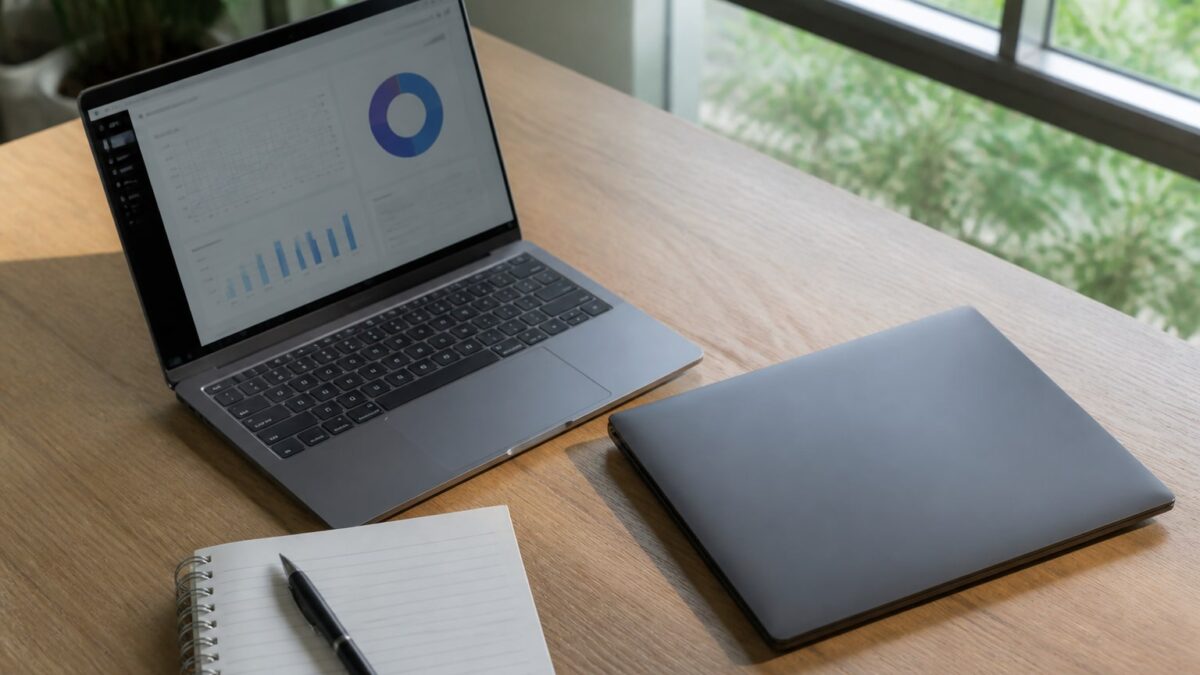
If you’re coming from a Mac and looking at a Windows laptop as a second machine (or for someone in the family), Samsung and Dell are two of the brands you’ve probably heard most about. Samsung is pushing hard with the Galaxy Book4 and Galaxy Book5, leaning on its integration with your phone. Dell has spent years as the premium reference on Windows with the XPS 13, the XPS 14 and the XPS 16, and covers the mid-range with the Inspiron.
The question isn’t which one is “better” in the abstract, but which one performs best for what you’re going to do. Let’s get to it, no fluff.
Summary table: Samsung Galaxy Book vs Dell XPS/Inspiron
| Aspect | Samsung Galaxy Book | Dell XPS | Dell Inspiron |
|---|---|---|---|
| Price range (Spain RRP) | 900 – 2,400 € | 1,400 – 3,500 € | 500 – 1,100 € |
| Common chip | Intel Core Ultra / Snapdragon X | Intel Core Ultra / Snapdragon X | Intel Core 5/7, AMD Ryzen |
| Star display | AMOLED 3K 120 Hz (Pro 360) | Touch OLED 3.2K (XPS 14/16) | Full HD IPS |
| Weight (13–14″) | 1.16 – 1.55 kg | 1.17 – 1.74 kg | 1.4 – 1.65 kg |
| Real battery life | 9–13 h (ARM: up to 18 h) | 8–12 h (ARM: up to 20 h) | 6–9 h |
| Strong ecosystem with | Galaxy phone, Tab S tablets | Thunderbolt, Dell monitors | General use |
Design and build: the obsession with thickness
The Galaxy Book4 Pro and Galaxy Book5 Pro are incredibly thin. The 14″ Pro weighs around 1.16 kg and is 11.6 mm thick. Aluminium chassis, firm hinge, a very “MacBook Air” feel the first time you pick it up.
Dell has redesigned the XPS with a flatter look, edge-to-edge keyboard and a touch function row. It divides opinions. Some of us find it elegant; others see it as a step back in ergonomics, because you lose the physical feedback of the function keys and the invisible trackpad (yes, you won’t see where it ends).
The Inspiron are a different league: plastic, thicker, less refined. In exchange, they do the job without pretensions and are easier to repair.
Performance: Intel Core Ultra, Snapdragon X and the NPU factor
In 2026 most models in both ranges ship with Intel Core Ultra Series 2 or Snapdragon X Elite/Plus (the Copilot+ PC models). Raw CPU performance:
- Snapdragon X Elite (12 cores): very competitive in office tasks and browsing, and stands out for efficiency. Weak compatibility with some older x86 software that runs through emulation.
- Intel Core Ultra 7 155H/258V: more versatile for legacy software, full Adobe and anything that depends on unusual drivers.
In practice, a Galaxy Book4 Pro with Core Ultra 7 and 16 GB runs Lightroom, Premiere on 1080p timelines and 50 Chrome tabs without breaking a sweat. An XPS 14 with the same chip performs similarly, but when you need a dedicated GPU (Arc or RTX 4050 in the XPS 16), Dell pulls ahead for 4K editing or light 3D.
The Inspiron 14/16 with Ryzen 7 or Core 7 handle office work, teaching and streaming. They are not creative-grade machines.
Display: this is where Samsung plays at home
Samsung makes panels, and it shows. The Galaxy Book4/5 Pro use Dynamic AMOLED 2X at 2,880 × 1,800, 120 Hz. Deep blacks, brutal contrast, good brightness for outdoor use. For watching series or retouching photos, it’s the most pleasant Windows panel in its segment.
Dell answers with the touch 3.2K OLED on the XPS 14 and XPS 16. Gorgeous panel covering almost 100% of DCI-P3, but the touch layer adds a bit of sharpness loss and more reflections. The base XPS 13 comes with an FHD+ IPS, decent but behind the Galaxy.
Battery life: the ARM surprise
If you choose the Copilot+ PC versions with Snapdragon X, both manufacturers go past 15 real hours of light use. An XPS 13 9345 with Snapdragon gets through full working days without a charger. The ARM Galaxy Book5 models are in the same league.
In Intel versions it drops: 8–10 hours of mixed use for the XPS 14/16 and 9–11 h for the Galaxy Book Pro. The Inspiron manage 6–8 real hours.
Ecosystem: where Samsung pushes hard
If you have a Galaxy S24 or S25, the Galaxy Book becomes an extension of your phone. You share the clipboard between devices, take calls on the laptop, use the tablet as a second screen with Second Screen without cables, and Samsung Notes sync on the fly. It’s the closest thing to Apple’s Continuity you’ll find outside Cupertino.
Dell has no phone. Its strength lies in the professional ecosystem: Thunderbolt 4 docks, UltraSharp monitors that calibrate themselves with the laptop, and enterprise support with ProSupport in 24–48 h. If you work at a company that already uses Dell, the decision is made.
For anyone wanting a broader home ecosystem, you may also be interested in how smart speakers fit into that puzzle: we already looked at options in our comparison of HomePod 2 vs Sonos Era 300 vs HomePod mini.
Price: what you pay extra and why
Prices to check on Dell.com and Samsung.com Spain, November 2026:
- Galaxy Book5 Pro 14″ Core Ultra 7 / 16 GB / 512 GB: 1,499 € RRP, usually around 1,249 € at El Corte Inglés and Amazon.
- Dell XPS 13 9350 Core Ultra 7 / 16 GB / 512 GB: 1,649 € RRP.
- Dell XPS 14 9450 Core Ultra 7 + RTX 4050 OLED: from 2,399 €.
- Dell Inspiron 14 Plus Ryzen 7 / 16 GB / 1 TB: 999 €.
Samsung is usually 100–300 € below Dell for equivalent configurations, especially if you catch a deal.
Which Samsung or Dell laptop to buy based on your profile
- User with a Galaxy phone who wants real continuity: Galaxy Book5 Pro. No debate.
- Video editing, light 3D or CAD: XPS 16 with RTX. It’s the one with graphical muscle.
- Maximum mobility and endless battery: XPS 13 or Galaxy Book5 with Snapdragon X Elite.
- Tight budget for studying or remote work: Inspiron 14 Plus. Samsung doesn’t compete as well here.
- Corporate environment with serious support: Dell, for ProSupport and fleet management.
- Display for multimedia consumption: Galaxy Book5 Pro AMOLED, hard to beat.
Neither brand is “the right one” by default. Samsung has raised the bar a lot on display, weight and connection with its phone. Dell remains the safe bet in premium Windows and support. Decide based on what you’re going to plug into it, not on which brand sounds better.
As an Amazon Associate, I earn from qualifying purchases.