4K Webcams for Mac: Logitech MX Brio vs Insta360 Link vs Opal Tadpole
We compare three 4K webcams designed for Mac —Logitech MX Brio, Insta360 Link and Opal Tadpole— on image quality, automatic tracking and price. We tell you which one is worth it depending on whether you are a professional, a streamer or a remote worker.
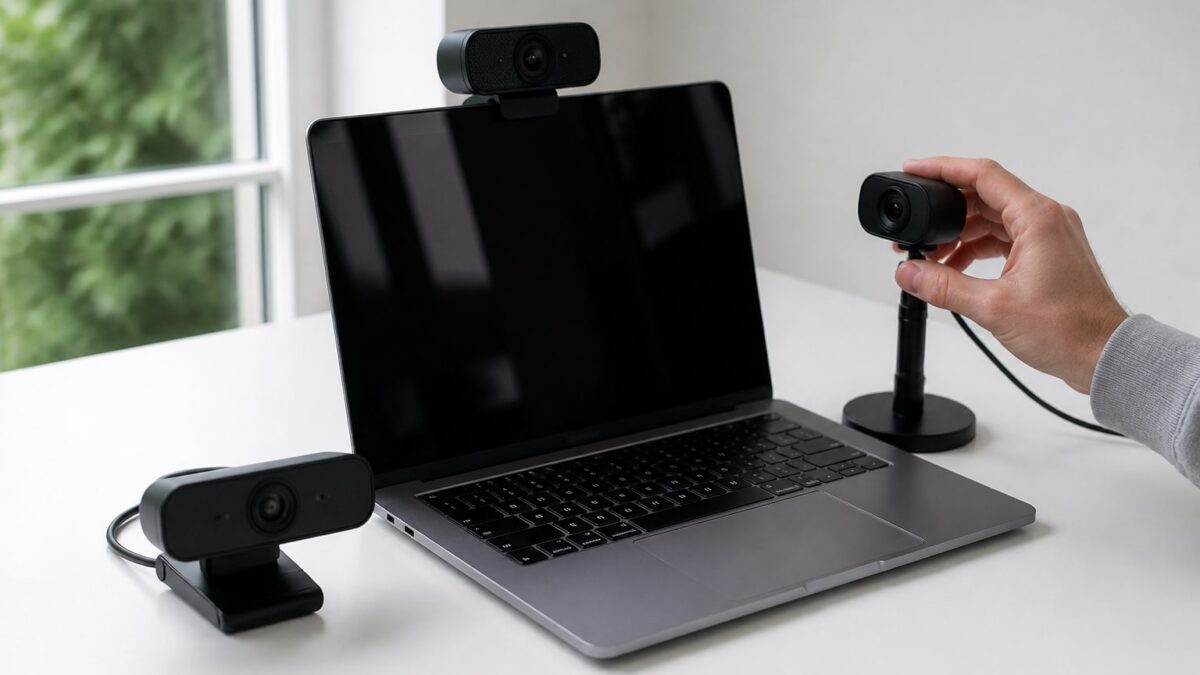
The MacBook Pro’s camera has improved a lot since the days of the notch with no decent sensor, but it still can’t compete with a dedicated external webcam. If you make video calls every day, record content or simply want to look better on Zoom or Google Meet, an external 4K camera makes a real difference. For weeks we have been testing three of the most talked-about options for Mac right now: Logitech MX Brio, Insta360 Link and Opal Tadpole.
All three promise 4K, but they target different users. Choosing a camera for an hour-long corporate video call is not the same as choosing one for streaming with automatic tracking while you move around the room.
Comparison table: Logitech MX Brio vs Insta360 Link vs Opal Tadpole
Before going into detail, here are the key specs at a glance:
| Model | Maximum resolution | Automatic tracking | Built-in microphone | Connection | Approx. RRP (Spain) |
|---|---|---|---|---|---|
| Logitech MX Brio | 4K at 30 fps / 1080p at 60 fps | No (fixed or software-cropped field of view) | Yes, dual with noise reduction | USB-C | €229 |
| Insta360 Link | 4K at 30 fps | Yes, physical gimbal with face/gesture AI tracking | Yes, basic | USB-C | €299 |
| Opal Tadpole | 4K at 60 fps (HDR) | No | No | USB-C | €169 |
Prices are indicative as of the date of consultation (November 2026) and may vary by retailer. Opal sells directly from its website, while Logitech and Insta360 have a stronger presence on Amazon and in physical stores, where occasional discounts of €20–30 are sometimes available.
Design and build
The Logitech MX Brio is the one that looks most designed for a serious desk: aluminium body, a robust metal monitor clip, and a design that doesn’t look out of place next to an Apple Studio Display. It is heavy enough not to wobble with every knock on the desk.
The Insta360 Link is the oddity of the group. It has a visible mechanical gimbal that physically rotates and tilts to follow you. It is eye-catching, a bit bigger than you’d expect, and it sparks curiosity in any video call (“what’s that thing moving?”).
The Opal Tadpole goes for total minimalism: a small body, white or black, with no ring light or extras. It is the one that best blends aesthetically with an iMac or a Studio Display if you want the camera to go unnoticed.
4K image quality: sensor, lens and low-light performance
This is where the difference in philosophy is most evident. The Opal Tadpole uses a larger sensor than is usual for webcams (a 1/2″ type, similar to some mid-to-high-range phones) and processes HDR in real time. In a room with a window behind you, it is the one that best balances shadows and highlights without blowing out the image.
The Logitech MX Brio delivers a sharp image with accurate colours, but it depends more on having good ambient light. In low light, digital noise appears sooner than on the Opal.
The Insta360 Link performs adequately in standard 4K, with no surprises, although its strong point is not the image quality itself but what it does with it (tracking, automatic framing). If you compare pure capture quality alone, the Opal wins, the Logitech comes second and the Insta360 third.
Automatic tracking and smart framing
This is the area where the Insta360 Link has no rival in this comparison. Its physical gimbal follows you if you stand up, turn around or move around the room. It has recognisable gestures: raising your palm to activate zoom, for example. For anyone recording standing tutorials, cooking on camera or moving around while explaining something on a whiteboard, it is the only one of the three that truly solves that problem.
The Logitech MX Brio has AI digital framing (“auto framing”), but since it is software rather than mechanical, the result is digital zoom with loss of quality if you move far from the centre of the frame.
The Opal Tadpole has no tracking of any kind. It is a fixed camera, designed for someone who sits in front of the computer and doesn’t move around much during the call.
Audio and built-in microphone: does it replace an external mic?
None of the three replaces a dedicated microphone if you record podcasts or video to a professional standard, but there are useful differences for everyday use.
The Logitech MX Brio has a dual microphone with software noise reduction, and in practice it is the best of the three for an impromptu meeting without headphones. The voice sounds clean even with some background noise such as a mechanical keyboard.
The Insta360 Link has a single microphone, adequate but without intelligent processing: it picks up more ambient noise.
The Opal Tadpole simply doesn’t include a microphone. If you buy it, you assume you will use the Mac’s speakers/mic or a separate external mic.
Software and macOS compatibility
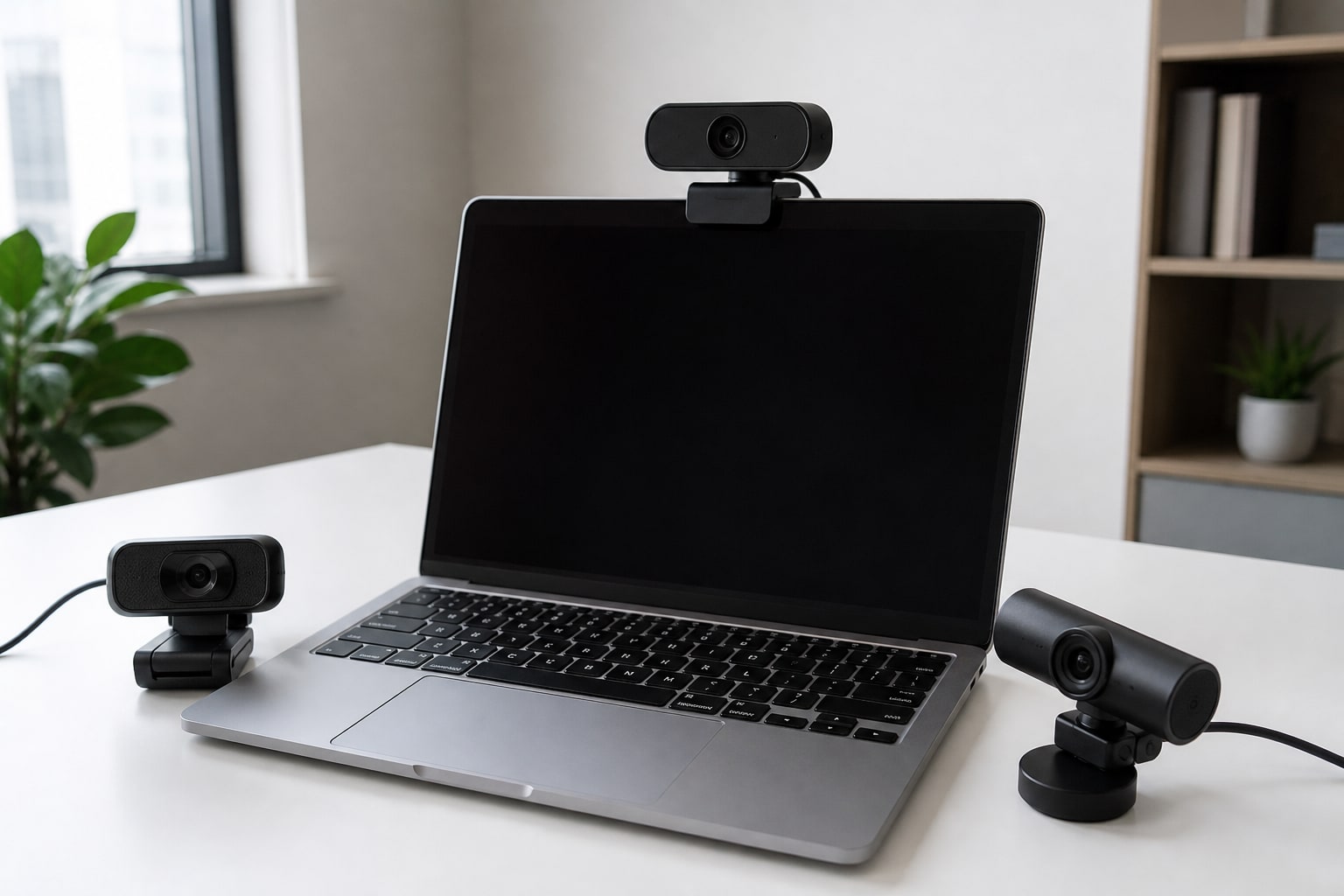
All three work natively on macOS via USB-C without additional drivers thanks to the UVC (USB Video Class) standard, so they appear directly under System Settings → Video and in the camera selector of Zoom, Meet or FaceTime.
The difference lies in the companion apps. Logi Options+ (from Logitech) lets you adjust white balance, digital zoom, AI framing and even use the camera as a webcam on Windows if you ever share equipment. Insta360 Link Controller is the most complete app of the three: it configures gestures, tracking modes and transition effects. Opal Software is the simplest, focused on image settings (HDR, exposure) without frills.
If you use macOS Sonoma or later, all three are compatible; the Continuity Camera feature is automatically disabled (you don’t need it, of course, because you already have an external webcam). For those who also use an iPad as a secondary display, it is worth checking how macOS manages cameras when several are connected at once under Settings → Video, where you can set which camera is the default in each app.
Price and value for money
The Opal Tadpole at €169 is the cheapest and, in pure image quality, the best value for its price. The Logitech MX Brio at €229 is worth it if you value mature software and a good microphone. The Insta360 Link at €299 is the most expensive, and that extra cost is only justified if you will really make use of automatic tracking.
If your budget is tight and you don’t need tracking, the Opal Tadpole wins on cost per image quality. If you need versatility for long video calls with poor ambient audio, the MX Brio pays for itself quickly.
4K webcam with Apple Studio Display: is it worth it over the built-in camera?
The Apple Studio Display already has a 12 MP camera with Center Stage, and for many users that is sufficient. But it has a reputation for being weak in low light and for a somewhat “washed-out” image processing that not everyone likes.
If you have a Studio Display and make video calls daily for work, the Logitech MX Brio is the one that best complements the monitor without breaking the aesthetic, thanks to its aluminium clip. The Opal Tadpole also fits in visually well and noticeably improves dynamic range over the monitor’s built-in camera.
Use cases: professional, streamer and home office
For a professional who holds client meetings and needs to look sharp with good audio without fuss: Logitech MX Brio. It is the most “no-brainer” option, with mature software and a good backup microphone.
For a streamer or content creator who moves in front of the camera, records standing tutorials or does unboxings hands-free: Insta360 Link. The physical tracking solves a real problem that the other two don’t even attempt to address.
For someone working in a home office sitting in front of the Mac most of the day who prioritises sharp image without overspending: Opal Tadpole. It offers the most solid image-quality-to-price ratio of the three, although you will have to make do with a separate microphone.
Final verdict
There is no simply “best” webcam: it depends on whether you need it to follow you, to sound good without an external mic, or simply to look great for the lowest price of the trio. If we had to pick one for overall versatility on a normal home office desk, the Logitech MX Brio is the safest bet. For anything involving movement, the Insta360 Link has no real substitute in this comparison.
If you are setting up a complete desk with a Mac mini M4 or iMac M4 and a Studio Display, any of the three will substantially improve on the monitor’s built-in camera. And if you also care about the audio of your calls, don’t forget that managing accessories connected via USB-C on macOS works better the more orderly the rest of your desk is, something that also shows if you use peripherals like those analysed in the comparison of productivity mice for Mac.
FAQ
Do all three webcams work on macOS without installing drivers? Yes, all three use the UVC standard and macOS recognises them natively in the camera selector of any app. Each brand’s additional software is optional, only needed if you want advanced settings.
Can I use these webcams with an iPad instead of a Mac? Not directly. They are USB-C devices designed for computers; iPadOS does not recognise them as an external camera in the same way macOS does.
Is the Insta360 Link’s automatic tracking worth it if I only make video calls while seated? Not especially. If you don’t move from your chair, that mechanical gimbal is an extra cost you won’t make use of. In that case, the Opal Tadpole or Logitech MX Brio give better results for the price.
Does any of these three replace an external microphone for podcasting? No. The three built-in microphones are fine for normal video calls, but if you record podcasts or video with professional audio quality, you need a dedicated USB or XLR microphone separately.
Which is best to use alongside an Apple Studio Display? The Logitech MX Brio for its aesthetics and mounting clip, although the Opal Tadpole improves the image more in a direct comparison with the monitor’s built-in camera.
As an Amazon Associate, I earn from qualifying purchases.