Apple Watch or Samsung Galaxy Watch: which one to buy depending on your phone
A practical guide to choosing between Apple Watch and Samsung Galaxy Watch depending on the phone you use. Compatibility is what matters: we explain what works, what doesn't, and what you lose in each combination.
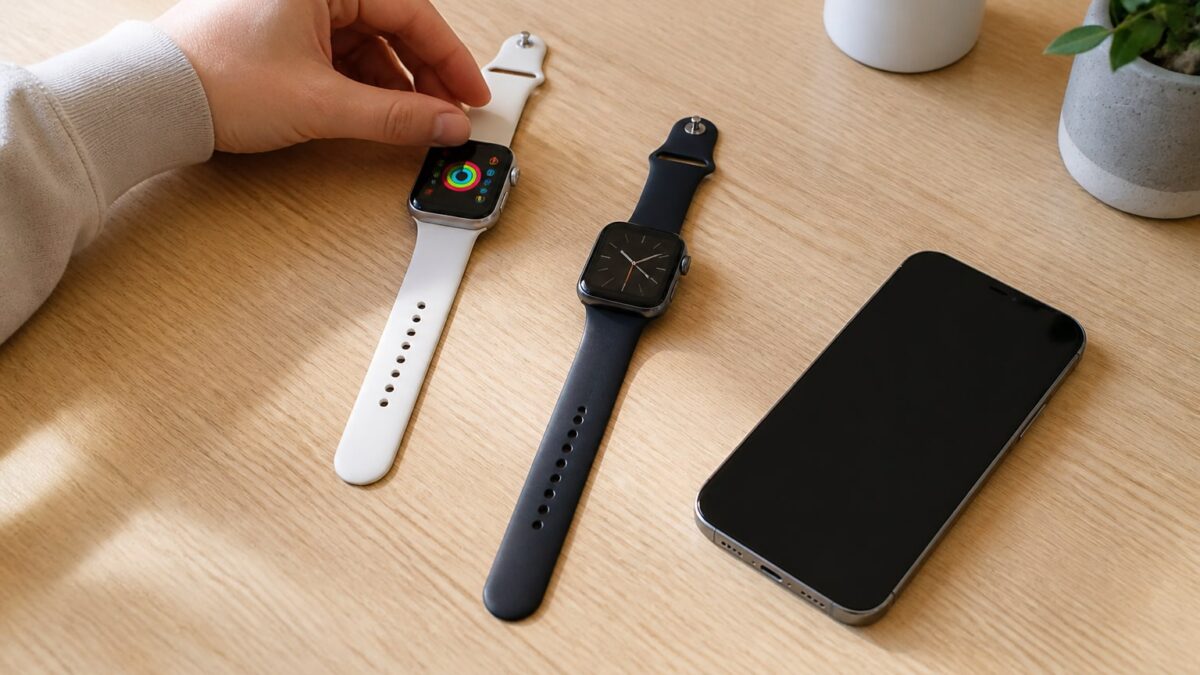
The question comes up every time someone considers their first smartwatch: Apple Watch or Samsung Galaxy Watch. And the short answer, as boring as it sounds, almost always depends on one detail: which phone you carry in your pocket.
We’re not going to tell you that one is “better” in the abstract. Both are very capable watches in 2026. What changes, and a lot, is how they behave depending on the operating system you pair them with. This guide is about that: helping you choose without getting a surprise when you get home.
The quick rule: your phone decides
If you have an iPhone, your only real option for a fully integrated smartwatch is the Apple Watch. If you have an Android (Samsung, Google, Xiaomi, OnePlus…), your best option is a Galaxy Watch or another watch running Wear OS.
This isn’t marketing. It’s a real technical limitation that comes from how Apple and Google manage their ecosystems. Let’s look at it in detail.
Summary table: real compatibility
| Combination | Does it work? | What you lose |
|---|---|---|
| Apple Watch + iPhone | Yes, 100% | Nothing |
| Apple Watch + Android | No, it won’t pair at all | Everything |
| Galaxy Watch + Android | Yes, 100% | Nothing |
| Galaxy Watch + iPhone (older models) | Partial, very limited | ECG, replies, apps, payments |
| Galaxy Watch 7/Ultra + iPhone | Not compatible | Everything |
Apple Watch with Android: why it’s not even an option
The Apple Watch needs an iPhone to be set up. Period. There is no official Apple app on Google Play, and without that app you can’t even get past the watch’s welcome screen.
It doesn’t matter whether it’s an Apple Watch Series 10, an SE or an Ultra 2. If someone gives you one and you only have an Android phone, the only thing you can do is return or sell it. There’s no trick, no “alternative app”, no workaround that works today.
Galaxy Watch with iPhone: the loophole Samsung has already closed
For years, older Galaxy Watches (Gear S3, Watch Active) could be paired with an iPhone via the Samsung Galaxy Watch app, but with very limited features: no ECG, no replying to messages from the watch, no Samsung Pay, no installing new apps.
With the Galaxy Watch 4 and later—which moved to Wear OS—that compatibility was completely broken. The current Galaxy Watch 6, Watch 7 and Watch Ultra require Android. If you have an iPhone, you won’t even be able to finish the initial setup.
What you gain with Apple Watch if you have an iPhone
The integration with iOS is where the Apple Watch has no rival. You receive and reply to iMessages directly from your wrist, use Apple Pay without taking out your phone, and Siri works consistently across devices.
If you use the Health app on your iPhone, the watch becomes the main sensor: heart rate, blood oxygen, ECG, wrist temperature and sleep analysis go straight there. For anyone who wants to fine-tune their rest, it pairs well with what you’ll find in how to set up Sleep Focus and the Health app on iPhone.
The Apple Watch SE (2nd gen) starts at €299 at the Apple Store in Spain. The Series 10 starts at €449 and the Ultra 2 stays at €899 (prices checked in November 2026).
What you gain with Galaxy Watch if you have Android
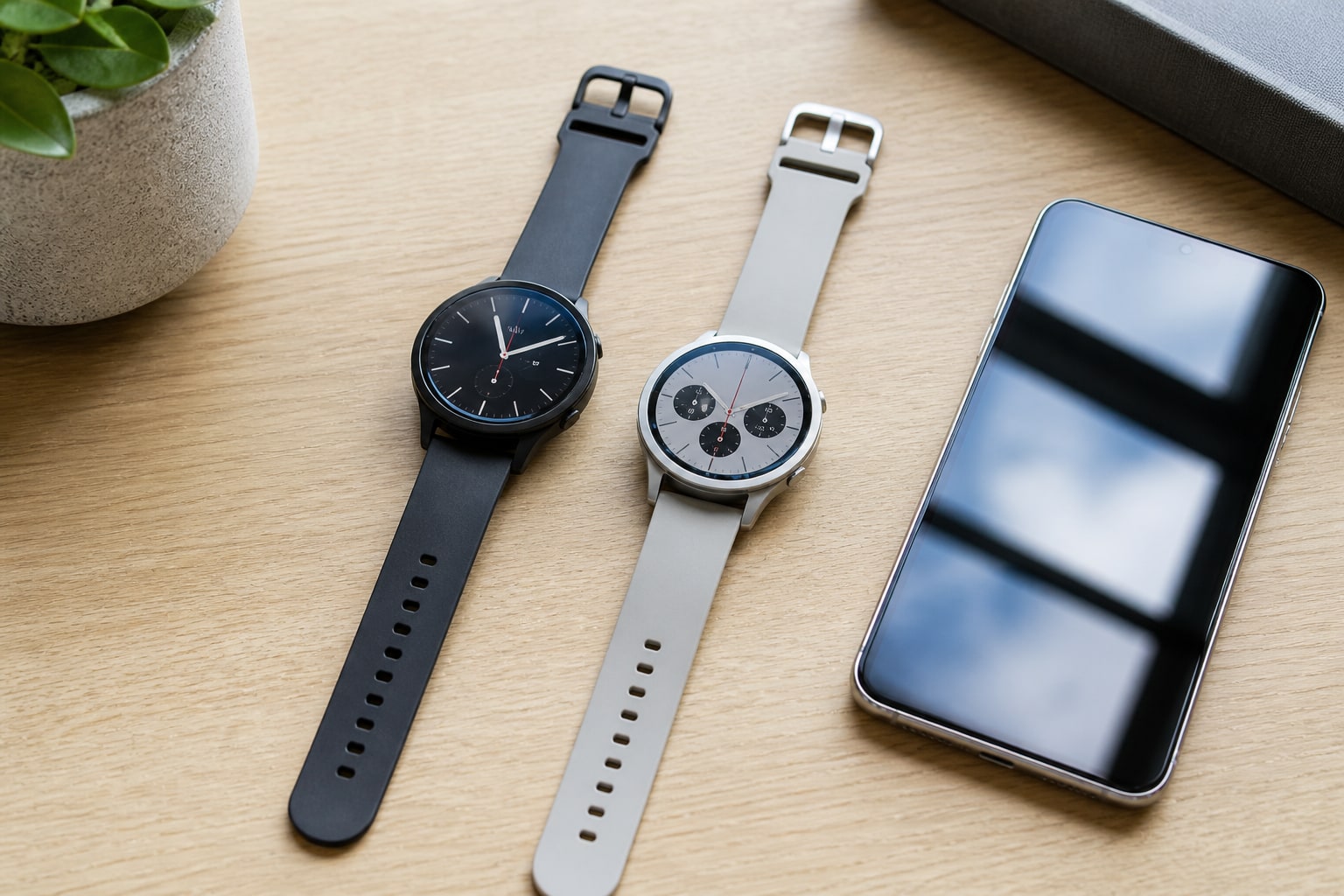
With a Samsung phone, the experience is equivalent to that of an iPhone user with an Apple Watch. Full notifications, quick replies with keyboard or dictation, Samsung Pay and Google Wallet, and health metrics integrated into Samsung Health.
The Galaxy Watch 7 (44 mm) costs around €319 and the Galaxy Watch Ultra comes in close to €699. It works well with any reasonably modern Android (Android 11 or higher), although some advanced features such as body composition analysis are only available when paired with a Samsung Galaxy phone.
If your Android phone isn’t a Samsung, you might consider pure Wear OS alternatives such as Google’s Pixel Watch 3, which has better integration with Fitbit and Google Assistant.
Battery life and charging: the real-world difference
Here the Galaxy Watch usually wins by design. A Galaxy Watch 7 lasts 1.5–2 days of normal use; the Watch Ultra goes 3–4 days. The Apple Watch Series 10 still gets about a day and a half with low power mode enabled, and the Ultra 2 reaches 2–3 days.
If your goal is sleep tracking without charging every night, Samsung makes that easier. If you charge the watch while you shower, the difference won’t matter to you.
Price and setup: comparison table
| Model | Price from | Real battery life | Required system |
|---|---|---|---|
| Apple Watch SE (2nd gen) | €299 | ~18 h | iPhone (iOS 18) |
| Apple Watch Series 10 | €449 | ~36 h | iPhone (iOS 18) |
| Apple Watch Ultra 2 | €899 | 2–3 days | iPhone (iOS 18) |
| Galaxy Watch 7 44 mm | €319 | 1.5–2 days | Android 11+ |
| Galaxy Watch Ultra | €699 | 3–4 days | Android 11+ |
Specific cases: what to do in each situation
You have an iPhone and are considering switching to Android: don’t buy an Apple Watch thinking “we’ll see”. If you switch, the watch becomes useless.
You have Android and are attracted to the Apple Watch’s design: forget it unless you also switch phones. There’s no viable way to use it.
You want the best watch for mountain sports with an iPhone: Apple Watch Ultra 2. Action button, dual-frequency GPS, siren and enough battery life.
You want advanced health tracking with a Samsung Android: Galaxy Watch 7 or Ultra. The BioActive sensor covers ECG, body composition and AGEs.
You have a Pixel or a non-Samsung Android: Pixel Watch 3 over Galaxy Watch, because of Google’s integration.
Verdict: the phone rules
Choosing between Apple Watch or Samsung Galaxy Watch isn’t decided by design, battery or price. It’s decided by your phone. Apple locks its watch to iOS completely, and Samsung has done the same with its watches on Android. There’s no middle ground or mixed solutions worth the effort.
If you change phones, change watches too. And if you don’t plan to change phones, the right watch is the one that speaks the same language. As simple—and as uncomfortable—as that.
As an Amazon Associate, I earn from qualifying purchases.