E-reader comparison: Kindle Paperwhite 2024 vs Kobo Libra Colour vs Boox Page
Honest comparison of the Kindle Paperwhite 2024, Kobo Libra Colour and Boox Page: screen, formats, ecosystem and price to help you choose the best e-reader for 2026 based on your profile.
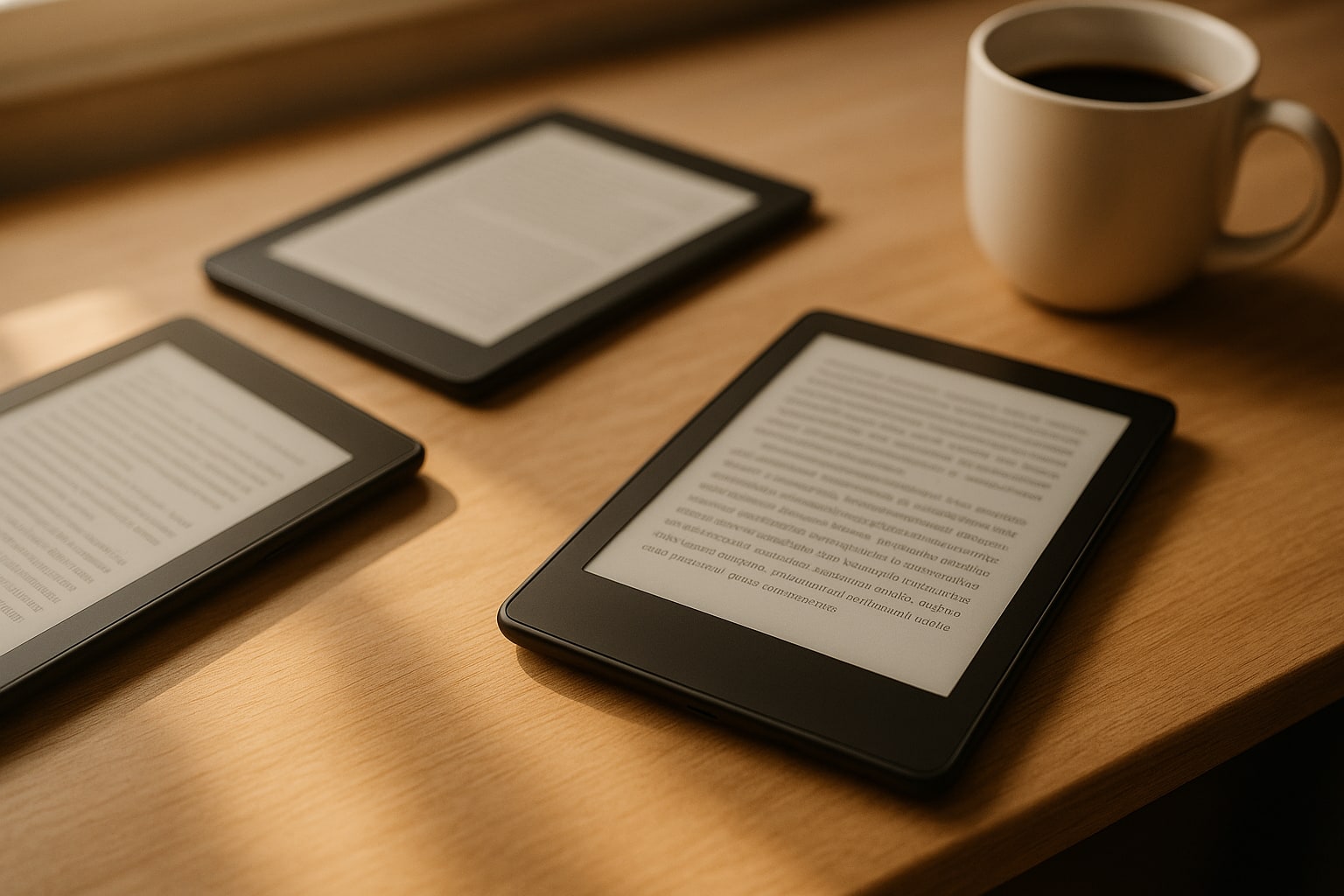
Choosing an e-reader in 2026 is no longer “Kindle or nothing”. Amazon still leads on market share, but Kobo has added color at a reasonable price and Boox offers open Android with Google Play. Three different philosophies for three types of reader.
I’ll tell you what each one does well and what it does poorly, with concrete data and no frills. There is no universal “best”: there is one that’s best for you depending on how you buy books, whether color matters to you, and how much you want to tinker.
The three contenders at a glance
| Model | Screen | Resolution | RAM | Storage | Weight | RRP |
|---|---|---|---|---|---|---|
| Kindle Paperwhite 2024 (12th gen) | 7″ E Ink Carta 1300 | 300 ppi | 1 GB | 16 GB | 211 g | 169,99 € |
| Kobo Libra Colour | 7″ E Ink Kaleido 3 | 300 ppi B/W · 150 ppi color | 2 GB | 32 GB | 199,5 g | 229,99 € |
| Boox Page | 7″ E Ink Carta 1200 | 300 ppi | 3 GB | 32 GB | 195 g | 269 € |
Data checked in August 2026 on each brand’s official stores. The Paperwhite typically drops to 149-159 € in Amazon promotions; the other two barely move.
Kindle Paperwhite 2024: the default standard
The 12th-generation Paperwhite arrived at the end of 2024 with a 7-inch screen (previously 6.8″), a faster processor and up to 12 weeks of advertised battery life. In real use, with 30 minutes a day and light at 20%, you get roughly 6-7 weeks. Enough.
What it does well:
- Instant page turns. The improvement over the previous Paperwhite is noticeable.
- Adjustable warm light, IPX8 water resistance, light weight.
- Full integration with the Kindle store and Kindle Unlimited.
What it doesn’t:
- Still no native EPUB support. You have to go through Send to Kindle (which converts to KF8/AZW3) or use Calibre.
- No physical buttons. Touch only.
- Ads on the base version: 20 € extra to remove them.
If you buy books on Amazon and don’t want complications, this is the reader. Full stop.
Kobo Libra Colour: decent color and open formats
Kobo’s big news in the 2024 generation is the E Ink Kaleido 3 screen. Color in e-ink still has limitations: 4,096 tones, low saturation, and resolution drops to 150 ppi when color is on screen (black-and-white text stays at 300 ppi).
For color manga, light graphic novels or book covers, it does the job. For reading The Sandman in detail, stick with an iPad.
Strengths:
- Physical buttons for turning pages. You miss them when you go back to a Kindle.
- Supports EPUB, PDF, CBZ, MOBI and more. No conversions.
- Integration with Pocket for reading saved articles.
- Compatible with OverDrive and public libraries (where the system is active).
- Notes with optional stylus (Kobo Stylus 2, 79,99 €).
Weaknesses:
- Kobo store with a more limited Spanish catalogue than Amazon.
- The color, I’ll stress, is subtle. Don’t expect tablet quality.
- 60 € more expensive than the Paperwhite without promotions.
Boox Page: open Android in e-ink
Boox (Chinese brand owned by Onyx) is a different beast. The Page runs Android 11 with access to the Google Play Store. You can install the Kindle app, the Kobo app, Moon+ Reader, Legimi, Nextory… all of them. On the same device.
Specs that scare off the rest:
- 3 GB of RAM, 32 GB of storage, octa-core processor.
- Physical buttons, USB-C, speaker (yes, TTS and audiobooks).
- Carta 1200 screen at 300 ppi, no color.
The price of that flexibility:
- Much shorter battery life: 2-3 weeks of light use. Android consumes power even on E Ink.
- Less polished interface. Settings everywhere, a real learning curve.
- Boox updates are slow and irregular.
- No decent native store in Spain: you depend on third-party apps.
It’s the reader for someone who wants a device, not an ecosystem. If you already have books bought from three different stores, this unifies them.
Screen and reading experience
In pure black and white, all three tie at 300 ppi. Text looks sharp on all three. Differences:
- Paperwhite: slightly higher contrast, very even front light.
- Libra Colour: background slightly greyer due to the Kaleido layer. You notice it if you compare them side by side; not if you only read on one.
- Page: contrast similar to the Paperwhite, well-calibrated warm light.
All three have adjustable warm light. All three are comfortable for reading for hours.
Formats and ecosystem: the real decision
This is the heart of it. Practical summary:
- Kindle: AZW3, KFX, MOBI, PDF. EPUB only via conversion. Everything you buy is tied to Amazon.
- Kobo: EPUB, EPUB3, PDF, MOBI, CBZ, CBR, TXT, HTML. Adobe DRM supported (public libraries).
- Boox: literally any format that has an Android app. Including the three above.
If you usually buy from Amazon and don’t plan to switch, Kindle. If you want format freedom and public library access, Kobo. If you also want apps and tinkering, Boox.
Real battery life
Measured with mixed use (30-60 min/day, light at 20-30%, WiFi when downloading):
- Kindle Paperwhite 2024: 6-7 weeks.
- Kobo Libra Colour: 4-5 weeks (color uses more).
- Boox Page: 2-3 weeks.
None is a problem. Charge every two or three weeks and carry on.
Price: what you pay for what
- Paperwhite at 169,99 € (149 € on promotion) is the cheapest and the most well-rounded for its use.
- Libra Colour at 229,99 € adds color, buttons and open formats. The extra 60 € makes sense.
- Boox Page at 269 € costs you Android’s flexibility. If you won’t use it, it’s money wasted.
Watch out for the alternatives within each brand: the Kindle Colorsoft (269,99 €) also offers color, but it had yellow band problems along the bottom of the screen at launch; to this day it still trails the Libra Colour in user experience according to reviews from The Verge and Six Colors.
Which one to buy
- Casual reader who just wants to open and read: Kindle Paperwhite 2024. Amazon ecosystem, no fuss, good price.
- Reader of light comics, public library user, or someone who buys EPUB from various stores: Kobo Libra Colour. Buttons + color + open formats.
- Techie who wants Kindle + Kobo + apps on the same device, or who reads in several languages with custom dictionaries: Boox Page. Accept the learning curve and the battery life.
If you’re coming from the Apple ecosystem and expected Books-style integration with iCloud, none of them offer it natively. For that you still have the iPad, even if it’s not e-ink. For mixed consumption and note-taking, the iPad Air M2 versus the Galaxy Tab S10+ is still a different conversation from this one.
Frequently asked questions
Can I read books bought on Amazon on the Kobo Libra Colour? Not without conversion. Amazon EPUBs are in KFX format with DRM. With Calibre and the corresponding plugin you can remove DRM from books you’ve bought, but it’s a legal grey area.
Is the Boox Page good for reading technical PDFs with diagrams? Yes, and considerably better than the other two thanks to its RAM and power. Decent reflow and apps like Xodo or KOReader installable directly.
Is color e-ink worth it in 2026? Depends. For occasional covers and comics, yes. For serious color comic reading, an iPad or OLED Android tablet is still better.
Which one handles water best? The Paperwhite and Libra Colour have IPX8 certification (30 minutes at 2 metres). The Boox Page has no official water resistance certification. Point to the other two if you read in the bath or by the pool.
Can you listen to audiobooks? The Paperwhite connects via Bluetooth to Audible audiobooks. The Libra Colour with Kobo Audiobooks. The Page, with any Android app (Audible, Spotify, Storytel), and it also has a physical speaker.