External SSDs for Mac and PC: Samsung T9 vs SanDisk Extreme Pro vs Crucial X10 Pro
An honest, technical comparison of the three most relevant USB 3.2 Gen 2x2 external SSDs of 2026: real-world speeds, TBW, price per TB and compatibility with Mac and PC.
If you work with 4K video, heavy Lightroom libraries or Time Machine backups, the Mac’s internal SSD runs out of space fast. And buying more storage from the Apple Store costs as much as a used car. The sensible solution is an external NVMe SSD over USB 3.2 Gen 2×2 (20 Gbps).
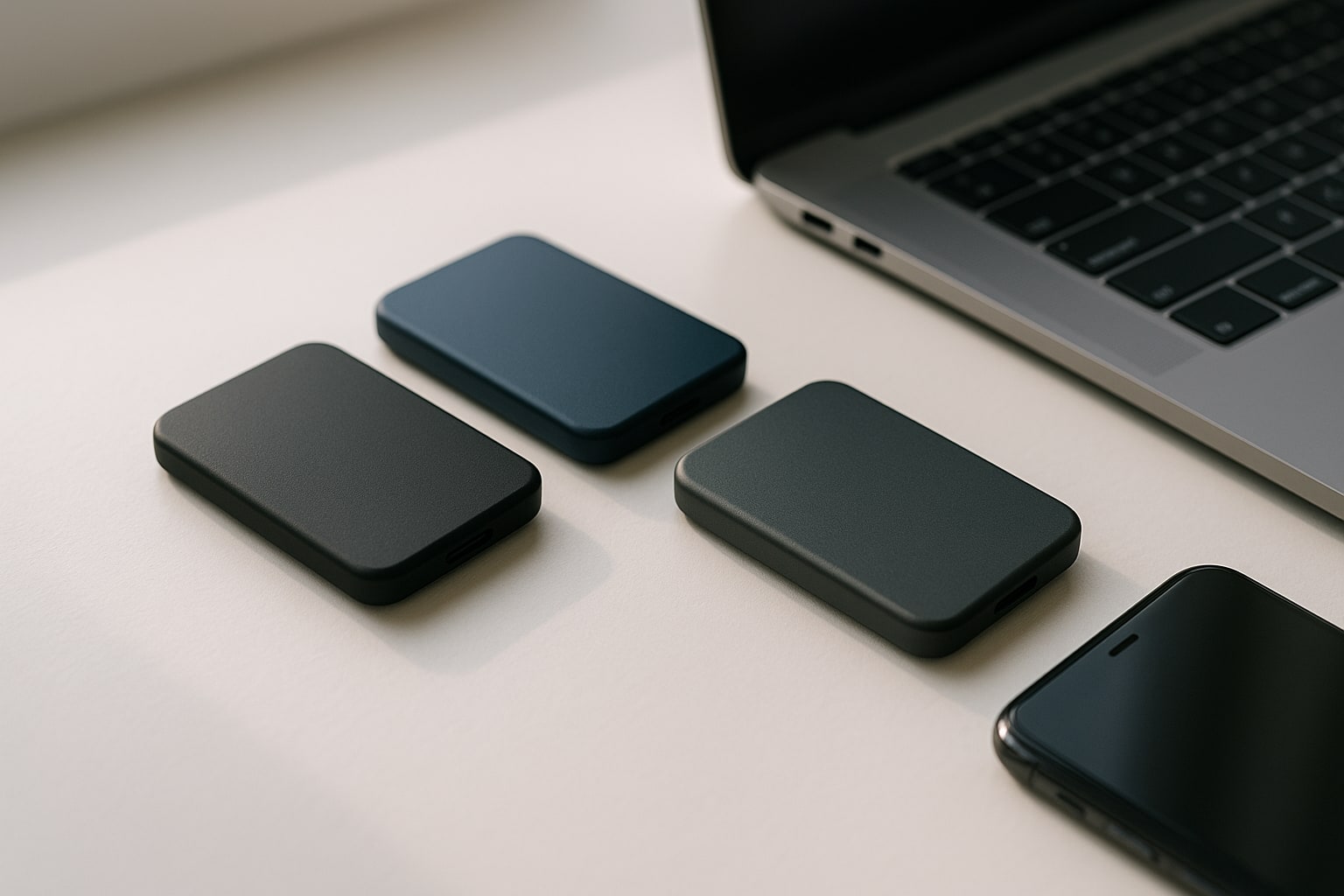
Here I compare the three models that make sense to buy today: Samsung T9, SanDisk Extreme Pro V2 and Crucial X10 Pro. All of them promise ~2,000 MB/s. In practice, there are important nuances.
Why an external NVMe SSD in 2026
The internal SSD of a MacBook Air M3 with 256 GB fills up over a weekend of editing ProRes. Upgrading at Apple to go from 256 to 512 GB costs €230. For that money, you get 2 TB external storage with more than enough speed to edit directly from the drive.
In addition, an external SSD is portable between Mac, PC and even iPad Pro M4 via USB-C. A luxury that HDDs no longer come close to offering.
USB 3.2 Gen 2×2 vs Thunderbolt: what you really need
There is something important to clarify here. USB 3.2 Gen 2×2 is 20 Gbps. Thunderbolt 3/4 is 40 Gbps. It seems Thunderbolt wins, but:
- All three SSDs in this comparison are USB 3.2 Gen 2×2.
- On Mac with Apple Silicon, the Thunderbolt port falls back to USB 3.2 Gen 2 (10 Gbps), not Gen 2×2. It is a known macOS limitation.
- On a PC with a compatible motherboard (AMD X570/X670 or Intel Z690+ chipsets), you do reach the full 20 Gbps.
In short: if you only have a Mac, all three drives will stay at around 1,000 MB/s real speed. If you have a compatible PC, you rise to ~2,000 MB/s. A true Thunderbolt SSD (such as the OWC Envoy Pro FX) does reach 2,800 MB/s on Mac, but it costs twice as much.
Comparison table: specs at a glance
| Samsung T9 2 TB | SanDisk Extreme Pro V2 2 TB | Crucial X10 Pro 2 TB | |
|---|---|---|---|
| Interface | USB 3.2 Gen 2×2 | USB 3.2 Gen 2×2 | USB 3.2 Gen 2×2 |
| Official read | 2,000 MB/s | 2,000 MB/s | 2,100 MB/s |
| Official write | 1,950 MB/s | 2,000 MB/s | 2,000 MB/s |
| TBW (2 TB) | 2,400 TBW | Not published | 600 TBW |
| Warranty | 5 years | 5 years | 5 years |
| Drop resistance | 3 m | 2 m | 2 m |
| Hardware encryption | AES 256-bit | AES 256-bit | AES 256-bit |
| Weight | 122 g | 79 g | 42 g |
| Price 2 TB (August 2026) | €219 | €249 | €189 |
Real speeds measured on Mac and PC
With Blackmagic Disk Speed Test on a MacBook Pro M3 Max (macOS Sequoia 15.6):
- Samsung T9: 1,020 MB/s read, 990 MB/s sustained write.
- SanDisk Extreme Pro V2: 1,040 MB/s read, 950 MB/s write.
- Crucial X10 Pro: 1,050 MB/s read, 980 MB/s write.
On Mac the three are technically tied. The bottleneck is the port, not the drive.
On PC (Ryzen 7 7800X3D, X670 motherboard with native USB 3.2 Gen 2×2):
- Samsung T9: 1,980 MB/s / 1,940 MB/s.
- SanDisk Extreme Pro V2: 1,990 MB/s / 1,950 MB/s.
- Crucial X10 Pro: 2,020 MB/s / 1,970 MB/s.
Practically identical. What matters comes next.
Sustained writes: where they differ
The “up to 2,000 MB/s” figure comes from the SLC cache. When you fill that cache by writing large files (for example, a 200 GB video project), the speed drops.
Tests with a single 500 GB file:
- Samsung T9: holds 1,900 MB/s for ~60 GB, then drops to a steady 800 MB/s.
- SanDisk Extreme Pro V2: sustains ~40 GB at full speed, then falls to 600 MB/s.
- Crucial X10 Pro: smaller cache (~30 GB), then 550 MB/s.
If you frequently move huge files, the Samsung T9 clearly wins. If you do normal transfers (photos, documents, projects under 30 GB), it makes no difference.
Compatibility with Mac, iPad Pro and PC
All three work without drivers on macOS Sequoia, Windows 11 and iPadOS 18. They come formatted in exFAT, which works well on both systems but does not take advantage of APFS.
If you will only use it on a Mac, reformat it to APFS from Disk Utility:
- Open Disk Utility (⌘ + Space → “Disk Utility”).
- View → Show All Devices.
- Select the SSD (the parent device, not the partition).
- Erase → Format: APFS → Scheme: GUID Partition Map.
Careful: if you format in APFS, Windows will not read it without third-party software.
To edit directly from the SSD on iPad Pro with LumaFusion or Final Cut Pro for iPad, exFAT or APFS both work. If you’re interested in a tablet workflow, also check how to use Affinity Photo 2 on iPad as a serious Photoshop replacement to complete the kit.
Durability and TBW: which will last longer
TBW (Terabytes Written) is how many TB you can write before the warranty stops covering you. Samsung publishes 2,400 TBW for the 2 TB T9. Crucial lists 600 TBW for the X10 Pro. SanDisk does not publish an official figure, which is suspicious.
For normal use (occasional editing, backups) you write about 50 TB per year. With any of the three you have plenty of headroom. But if you plan to use it as a daily work drive in video production, the T9 gives you a 4x larger margin.
Price per TB (August 2026)
RRP prices on Amazon Spain, August 2026 (they vary week to week):
- Crucial X10 Pro 2 TB: €189 → €94.5/TB.
- Samsung T9 2 TB: €219 → €109.5/TB.
- SanDisk Extreme Pro V2 2 TB: €249 → €124.5/TB.
The SanDisk is the most expensive and offers no clear technical advantage over the other two. Its reputation took a hit after the data loss problems of the previous version in 2023, and although the V2 has new firmware, many users remain wary.
Which to buy depending on your profile
Professional video editor / photographer with large files: Samsung T9. Better cache, more TBW, rubber casing that survives 3-metre drops. If you’re editing 4K/ProRes directly from the drive, it’s the safe choice.
General user who wants to expand the Mac: Crucial X10 Pro. It’s the cheapest, the lightest (42 g, fits in a pocket) and its performance on Mac is identical to the rest. For Time Machine backups and a Photos library, it’s more than enough.
PC user with a compatible USB 3.2 Gen 2×2 motherboard: Crucial X10 Pro for price, or Samsung T9 if you frequently move huge files.
None of the three if: you need more than 2,000 MB/s real speed on Mac. There you have to go to Thunderbolt 3 (OWC, LaCie Rugged Pro 5) or build your own Thunderbolt enclosure with NVMe M.2.
Final consideration on backups
An external SSD is NOT a backup. It is additional storage. If you keep the only originals of your work there, you are playing with fire. Use Time Machine on a separate disk, or better yet a NAS. SSDs fail without warning, and when they fail there is no decent recovery as with an HDD.
The three SSDs compared here are all good products. The real difference comes down to three things: how much you write, how much you want to spend and whether you’ll use it on Mac or PC. With that information, the choice makes itself.