Using FireWire with iTunes Home Sharing

Yes, Jobs was wrong, and it turns out FireWire can be very useful if we want to share our music with the new iTunes service, especially if we have a gigantic library, and transferring it over a slow internet connection can be tedious, endless and painfully slow.
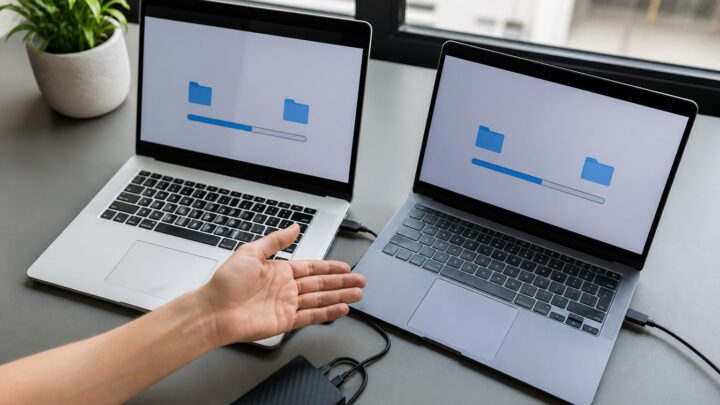
FireWire is still faster than USB, and not to mention FireWire 800, which would save us hours when sharing our music between our Macs. To do this, there is just one small trick:
- The first thing we must do is enable iTunes Home Sharing on both of our computers (it doesn’t matter whether they are Macs or PCs).
Connect the computers via FireWire.
An internet connection is necessary to authorize both computers with our iTunes account.
Once authorized, we can disconnect the internet, which confuses iTunes: upon seeing a FireWire connection, it starts sharing our music.
Finally, if we have transferred music from A to B and
now want to do it from B to A, the whole process will have to be repeated, since the connection is not bi-directional, but it’s just a few minutes compared to all the hours we’ve saved.
1 comment · Comment
1 comment
mmm… ¿y que le pasa a tu conexión de red por cable? es decir, el FireWire a 400 u 800 está muy bien, pero los Mac desde hace años incorporan de serie Gibabyt Ethernet, con lo que la conexión es bidireccional y llega a los 100 megas reales (he logrado una velocidad máxima de 65 megas reales por segundo entre mi MacBookBlack (recibiendo) y mi iMac 24″ blanco (enviando) ).
Otro dato, con el FireWire 400 (desconozco por no tenerlo si el FW800 lo hace, imagino que si) puedes crear una conexión de red local sin problema alguno y bidireccional.